

How to Make an App Like Augment
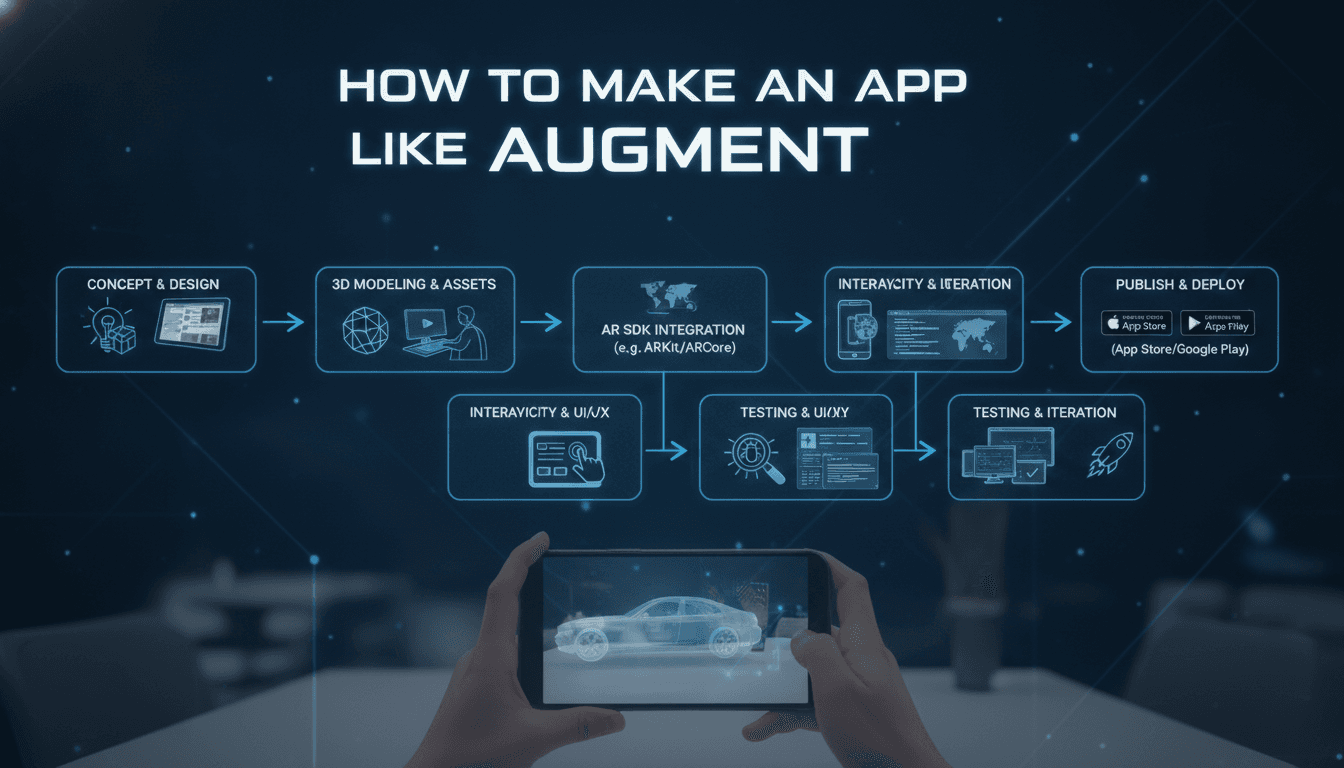
How to Make an App Like Augment
Augment changed the way people shop, decorate, and plan by letting them place life-size, photorealistic 3D models of real products into their own physical space through a phone camera. Instead of guessing whether a sofa fits the living room or how a fridge looks next to the cabinets, users simply point their device and see it.
If you are planning to build an augmented reality product visualization app like Augment, this guide walks you through the features, technology stack, development process, costs, and monetization strategies you need to understand before writing a single line of code.
If this is relevant to your project, check out How to Make an App Like Amazon AR View.
What Exactly Does an App Like Augment Do?
At its core, an Augment-style app does four things:
- Detects the real world — it identifies floors, walls, tables, and surfaces using the device camera and motion sensors.
- Anchors 3D content — it places a true-to-scale 3D model at a fixed point in that space so it stays put as the user walks around.
- Manages a product catalog — it stores, converts, compresses, and serves hundreds or thousands of 3D assets.
- Drives a business outcome — screenshots, shareable links, add-to-cart, quote requests, or sales rep presentations.
Most people underestimate points 3 and 4. The AR camera experience is the visible part, but the asset pipeline and commerce integration are where the real engineering effort lives.
We cover a closely related subject in How to Make an App Like IKEA Place.
Core Features to Build
User-Facing Features
- Onboarding and surface scanning guidance — animated prompts that teach users to move the phone slowly to detect a plane.
- Product catalog with search and filters — categories, brands, dimensions, colors, and price.
- True-to-scale AR placement — tap to place, drag to move, pinch to scale (or lock scale for accuracy), two-finger rotate.
- Variant switching in AR — change fabric, finish, or color without leaving the camera view.
- Occlusion and lighting realism — objects hidden behind real furniture, plus shadows and light estimation.
- Measurement tools — measure the room or the gap you are trying to fill.
- Screenshot, video capture, and sharing — the single biggest driver of organic growth.
- Save to favorites / project rooms — group products by room or client.
- Add to cart or request a quote — deep links into an e-commerce store or CRM.
- Offline mode — cached models for showrooms and trade shows with bad Wi-Fi.
Admin and Business Features
- 3D model management dashboard — upload, preview, tag, version, and publish assets.
- Automated asset conversion pipeline — FBX/OBJ/GLTF in, optimized USDZ and GLB out.
- Analytics — placements per product, dwell time in AR, screenshot rate, AR-to-cart conversion.
- Multi-tenant brand portals — if you are selling this as a B2B SaaS to manufacturers.
- Web AR embed generator — a snippet brands can drop onto product pages.
Choosing Your Technology Stack
AR Frameworks
| Platform | Framework | Notes |
|---|---|---|
| iOS | ARKit + RealityKit | Best plane detection, people occlusion, LiDAR scene reconstruction on Pro devices |
| Android | ARCore (Scene Viewer, Sceneform forks) | Wide device support, Depth API for occlusion |
| Cross-platform | Unity + AR Foundation | One codebase, strongest rendering, ideal for complex configurators |
| Web | WebXR, model-viewer, 8th Wall, Zappar | No install friction, perfect for e-commerce product pages |
Recommendation: If your differentiator is a huge catalog plus commerce, go native (ARKit/ARCore) with a shared backend, and add a WebAR layer for product pages. If your differentiator is rich configurable visuals and animation, Unity AR Foundation will save you months.
3D Asset Formats
- USDZ for iOS Quick Look
- glTF/GLB for Android and WebAR
- Keep models under roughly 5–15 MB, use PBR materials, bake lighting where possible, and generate LODs.
Backend and Infrastructure
- API layer: Node.js (NestJS) or Python (FastAPI/Django)
- Database: PostgreSQL for catalog and users, Redis for caching
- Storage and delivery: S3 or GCS behind a CDN — 3D assets are heavy, CDN is non-negotiable
- Asset processing: serverless workers running Blender headless, Draco/meshopt compression, and KTX2 texture compression
- Auth: OAuth2/JWT, SSO for enterprise clients
- Integrations: Shopify, WooCommerce, Magento, Salesforce, HubSpot, SAP/ERP for product data
The Development Process Step by Step
1. Validate the Niche
"An app like Augment" is too broad. Pick a vertical: furniture, kitchen appliances, industrial machinery, medical equipment, signage, HVAC, or retail merchandising. Verticals have different accuracy needs — a 2 cm error is fine for a rug and fatal for a machine on a factory floor.
2. Define the Asset Strategy
Decide early who creates the 3D models. Options: convert existing CAD files from manufacturers, photogrammetry scanning, AI-assisted image-to-3D generation, or an outsourced modeling team. This decision drives your entire cost structure more than app development does.
3. Prototype the AR Core
Build a throwaway prototype that places one model on a floor. Test it on a range of real devices in real lighting. Tracking quality is your product; validate it before building the catalog.
4. Design the UX
AR UX is unusual: users hold a phone up, one-handed, in public, sometimes squatting. Keep controls at thumb level, minimize text, use haptics for confirmation, and always provide an escape hatch back to a flat 2D product page.
5. Build the Pipeline and Backend
Automate conversion and optimization. A manual pipeline will collapse at 200 products.
6. Build the Apps
Native iOS and Android or Unity, plus the admin dashboard and WebAR embed.
7. Test Rigorously
Test across device tiers, lighting conditions, floor materials (glossy and dark floors break plane detection), and thermal limits — AR heats phones fast and throttles performance.
8. Launch and Iterate
Ship with a narrow catalog that works flawlessly rather than a wide catalog that looks wrong.
Making It Realistic: The Details That Matter
- Light estimation so a white sofa does not glow in a dim room.
- Soft contact shadows — the fastest way to make an object feel "placed" rather than "floating."
- Depth-based occlusion using LiDAR or the ARCore Depth API.
- Correct physical scale pulled from your product dimensions data, not from artist-set model units.
- Snap-to-wall and snap-to-floor behaviors for pictures, TVs, and cabinets.
- Anti-aliasing and reflection probes for glass and metal finishes.
Realism is what converts curiosity into purchase confidence, and it is almost entirely an asset-quality and lighting problem rather than a code problem.
If this is relevant to your project, check out How to Make an App Like ARKit.
Adding AI to the Mix
Modern Augment alternatives layer AI on top of AR:
- Image-to-3D generation to bootstrap models from product photos.
- Room understanding to auto-detect empty space and suggest products that fit.
- Style recommendations based on detected decor and colors.
- Visual search — point at a chair you like and find similar products in the catalog.
- Auto-retopology and mesh optimization to cut asset prep time.
Monetization Models
- B2B SaaS subscription — brands and manufacturers pay monthly per catalog size or per seat. This is Augment's own model and the most durable.
- Per-model asset creation fees — charge for 3D modeling services alongside the platform.
- White-label licensing — retailers embed your AR engine in their own app.
- Commission on AR-assisted sales — requires tight e-commerce tracking.
- Freemium consumer app with premium features like unlimited saved projects or high-res renders.
Cost and Timeline Estimates
| Scope | Timeline | Indicative Cost |
|---|---|---|
| MVP, one platform, ~25 models, basic catalog | 3–4 months | $40,000 – $70,000 |
| iOS + Android + admin dashboard + pipeline | 5–8 months | $80,000 – $160,000 |
| Full B2B platform, WebAR, integrations, AI features | 9–14 months | $180,000 – $350,000+ |
Ongoing costs to budget for: CDN and storage (grows with catalog), 3D modeling ($50–$500 per product depending on complexity), and continuous OS-level AR framework updates each year.
Common Mistakes to Avoid
- Treating 3D assets as an afterthought. Bad models make great code look broken.
- Ignoring file size. A 60 MB model on mobile data means abandonment.
- Over-relying on markers. Markerless placement is the expectation now.
- Building AR without a business action. If users cannot buy, save, or share, AR is a demo not a product.
- Skipping low-end Android testing. Fragmentation is where AR apps die.
- No fallback experience. Devices without AR support still need a 3D turntable viewer.
Metrics That Prove It Works
Track AR placement rate, session length in AR, models viewed per session, screenshot/share rate, AR-to-add-to-cart conversion, and — most importantly for retail clients — return-rate reduction. Lower returns are the ROI argument that sells AR to enterprise buyers.
Final Thoughts
Building an app like Augment is less about replicating a camera view and more about building an industrial-strength 3D content pipeline with a polished AR front end and a clear commercial payoff. Start narrow, obsess over asset quality and tracking stability, automate model optimization from day one, and always connect the AR moment to a measurable business action.
Get those fundamentals right, and you will not just have an Augment clone — you will have an AR commerce platform your clients cannot operate without.
Have a project in mind? Contact Sodio Technologies to discuss your requirements and explore the right technology solution for your business.
/// Work with us
Talk to the engineers who'd build it
You'll get a technical scope, timeline and cost estimate from the people doing the work, not an account manager. In-house team, no subcontracting, since 2016.