

How to Make an App Like IKEA Place
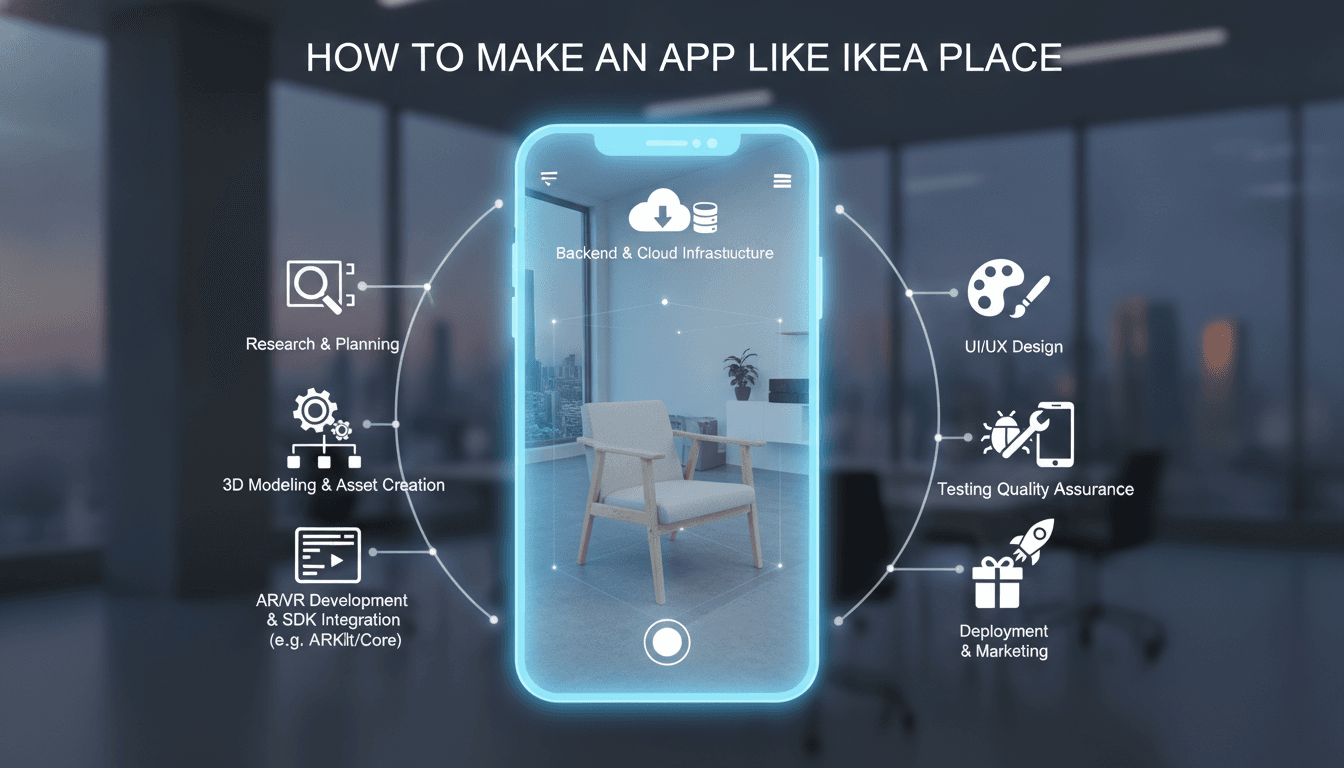
How to Make an App Like IKEA Place
Imagine standing in your empty living room, pulling out your phone, and watching a life-size sofa materialize on the floor in front of you — rotate it, walk around it, check whether the fabric clashes with your curtains. That's the promise IKEA Place delivered when it launched, and it's the reason augmented reality furniture apps have become a benchmark for retail innovation.
If you're planning to build something similar, this guide walks you through what the app actually does, the technology that powers it, the development roadmap, and the costs you should budget for.
We cover a closely related subject in How to Make an App Like Amazon AR View.
What Makes IKEA Place Work So Well
IKEA Place isn't a complicated app on the surface. You pick a product, point your camera at your floor, and the item appears at true scale in your space. The magic is in the execution.
If this is relevant to your project, check out How to Make an App Like Augment.
A few things the app gets right:
- True-to-scale rendering. Products are accurate to within roughly 98% of real dimensions, so what you see is genuinely what you get.
- Realistic materials and lighting. Shadows fall correctly, fabrics look like fabrics, and reflections respond to the room's actual light conditions.
- Frictionless discovery. Search, filter, and browse flows feel like a normal shopping app until the moment you tap "Place in room."
- Share and save. Screenshots, saved rooms, and wishlists turn a fun demo into a genuine purchase path.
The lesson for anyone building a competitor: the AR is the hook, but the shopping experience is what converts.
Core Feature Set
Must-Have Features
AR product placement. The centerpiece. Users detect a surface — floor, wall, or tabletop — and drop a 3D model onto it with drag, rotate, and reposition controls.
3D product catalog. Every item needs a photorealistic, optimized 3D asset. This is usually the single largest content investment in the project.
Surface and plane detection. Horizontal detection for furniture and rugs, vertical detection for art, mirrors, shelving, and wallpaper.
Product search and filtering. Category browsing, filters for price, color, dimensions, style, and material.
Save and share. Let users capture their AR scenes, save configurations, and share them with a partner or on social media. Free marketing, essentially.
Purchase flow. Cart, checkout, payment gateway, order tracking. AR that dead-ends without a buy button wastes the whole funnel.
Features That Differentiate
Visual search. Let a user photograph a chair they spotted in a café and surface the closest matches from your catalog.
Room scanning and multi-item layout. Move beyond placing one object to designing an entire room, with collision detection so the coffee table doesn't intersect the sofa.
AI style recommendations. Suggest complementary products based on what's already been placed, or based on the detected style of the room.
Occlusion and physics. Objects that correctly disappear behind real-world furniture feel dramatically more convincing than ones that float on top of everything.
Measurement tools. A built-in AR ruler so users can confirm the bookshelf actually fits in the alcove.
Social and collaborative design. Shared sessions where two people in different locations comment on the same virtual layout.
The Technology Stack
AR Frameworks
ARKit (iOS) is the natural choice for Apple devices. It offers strong plane detection, people occlusion, motion capture, LiDAR support on Pro devices, and scene reconstruction. RealityKit pairs with it for rendering.
ARCore (Android) covers the Android ecosystem with motion tracking, environmental understanding, light estimation, and Depth API support for occlusion.
Unity with AR Foundation is the pragmatic middle path. Write once, deploy to both ARKit and ARCore, and get a mature 3D toolchain for free. Most commercial furniture AR apps land here.
8th Wall or WebXR makes sense if you want a no-download, browser-based experience — lower fidelity, but far lower friction.
Supporting Technologies
| Layer | Typical Choices |
|---|---|
| 3D modeling | Blender, Maya, 3ds Max, Substance Painter |
| Asset formats | USDZ (iOS), glTF/GLB (Android, web) |
| Backend | Node.js, Python/Django, or Go |
| Database | PostgreSQL for transactions, MongoDB for catalog |
| Cloud & CDN | AWS or Google Cloud with CloudFront for asset delivery |
| AI/ML | TensorFlow or PyTorch for visual search and recommendations |
| Payments | Stripe, Braintree, or regional gateways |
| Analytics | Firebase, Mixpanel, Amplitude |
Building the 3D Asset Pipeline
This is where most projects underestimate the workload. A catalog of 500 products means 500 models that each need to be accurate, attractive, and light enough to load on a phone.
We cover a closely related subject in How to Make an App Like Wanna Kicks.
Your options:
- Manual 3D modeling. Highest quality and full control. Costs roughly $100–$500 per product depending on complexity, and takes days per item.
- Photogrammetry. Photograph a physical product from dozens of angles and reconstruct the mesh automatically. Fast for organic shapes, weak on reflective or transparent surfaces.
- 3D scanning rigs. Expensive upfront, excellent throughput once running. Worth it above a few thousand SKUs.
- CAD conversion. If your manufacturer already has CAD files, converting and retopologizing them is dramatically cheaper than modeling from scratch.
Optimization rules of thumb:
- Keep furniture models under roughly 50,000 polygons
- Cap textures at 2K resolution for most items, 4K only for hero products
- Bake lighting and ambient occlusion into textures where possible
- Implement level-of-detail (LOD) so distant objects render cheaper
- Use Draco compression on glTF assets and stream models on demand rather than bundling them all in the app
Development Roadmap
Phase 1 — Discovery and Planning (2–4 weeks)
Define your catalog scope, target platforms, and minimum device requirements. Decide early whether you're building native or Unity-based, because it shapes hiring and architecture. Map the user journey from browse to purchase.
Phase 2 — UX/UI Design (3–5 weeks)
AR interfaces need different thinking than flat screens. Users hold their phone up, often one-handed, sometimes for several minutes. Keep controls in thumb reach, minimize on-screen clutter, and design clear onboarding for the "move your phone slowly to scan the floor" moment that confuses first-time users.
Phase 3 — 3D Asset Production (ongoing, 6–16 weeks for initial catalog)
Start this in parallel with development. It's the long pole in the tent.
Phase 4 — Core Development (10–20 weeks)
Build the AR engine integration, catalog backend, search, user accounts, cart, and checkout. Prioritize a rock-solid placement experience over feature breadth — one flawless interaction beats five janky ones.
Phase 5 — Testing (4–6 weeks)
Test across a wide device matrix. AR performance varies enormously between a flagship phone and a three-year-old mid-ranger. Test in bright rooms, dim rooms, on patterned carpets, on reflective floors, and on plain white surfaces that give trackers nothing to lock onto.
Phase 6 — Launch and Iteration (ongoing)
Ship, monitor crash rates and session length, and watch where users abandon. AR apps live or die on the first ninety seconds.
What It Costs
Ranges vary widely by region and team composition, but here's a realistic framing:
MVP (single platform, 50–100 products, core AR placement and checkout): $60,000 – $120,000
Mid-tier (both platforms, 300–500 products, visual search, room layout): $130,000 – $250,000
Enterprise-grade (large catalog, AI recommendations, occlusion, collaborative features, ERP integration): $250,000 – $500,000+
Add to that:
- 3D asset creation: $100–$500 per product
- Annual maintenance: roughly 15–20% of the initial build cost
- Cloud and CDN: $500–$5,000+ per month depending on traffic and asset volume
Building in Eastern Europe or South Asia typically lands at 40–60% of North American or Western European rates for comparable quality.
Common Pitfalls
Neglecting model optimization. A gorgeous 2-million-polygon sofa that drops the frame rate to 8 FPS is worse than a decent 30,000-polygon one that runs smoothly.
Skipping onboarding. A surprising share of users have never used an AR app. Show them how to scan a surface before dumping them into the camera view.
Treating AR as the whole product. Novelty fades fast. If the catalog is thin or checkout is clunky, retention collapses after the first session.
Ignoring lighting estimation. Objects that don't match the room's light temperature look pasted on, and users stop trusting what they see.
Overloading the initial download. Bundling hundreds of models produces a 2GB install nobody completes. Stream assets on demand.
Forgetting accessibility. Holding a phone aloft isn't viable for everyone. Offer a traditional 2D browsing path alongside the AR mode.
Monetization Approaches
- Direct retail. The IKEA model — the app exists to sell your own products.
- Marketplace commission. Host multiple brands and take a percentage of each sale.
- White-label licensing. Build the platform once and license it to furniture retailers who lack in-house AR capability.
- Affiliate revenue. Aggregate catalogs from partner retailers and earn on referred purchases.
- Subscription tiers for pros. Interior designers and staging companies will pay for advanced layout tools, client sharing, and higher-resolution exports.
Measuring Success
Track these from day one:
- AR session completion rate (did they actually place an item?)
- Products placed per session
- Conversion rate for AR users vs. non-AR users — retailers commonly report AR shoppers converting at 2–3x the baseline
- Return rate for AR-assisted purchases, which typically drops meaningfully
- Time to first successful placement (your onboarding health metric)
- Crash rate segmented by device tier
Where This Is Heading
The next generation of these apps will lean harder on AI. Generative models that suggest complete room designs from a photo, LiDAR-driven instant room capture, and persistent AR anchors that let you leave virtual furniture in place across sessions are all moving from research into production. Smart glasses will eventually remove the phone from the equation entirely.
Building now positions you to ride that curve rather than scramble to catch it.
Final Thoughts
An app like IKEA Place is genuinely achievable for a well-organized team, but it rewards discipline over ambition. Nail the placement experience, invest properly in your 3D pipeline, optimize relentlessly for mid-range devices, and make sure the path from "that looks great" to "add to cart" is two taps, not ten.
Start with a focused MVP, a tight product catalog, and a single platform. Prove that users place items and buy them. Everything else — visual search, room design, AI styling — can follow once the core loop is working.
Have a project in mind? Contact Sodio Technologies to discuss your requirements and explore the right technology solution for your business.
/// Work with us
Talk to the engineers who'd build it
You'll get a technical scope, timeline and cost estimate from the people doing the work, not an account manager. In-house team, no subcontracting, since 2016.