

How to Make an App Like JigSpace
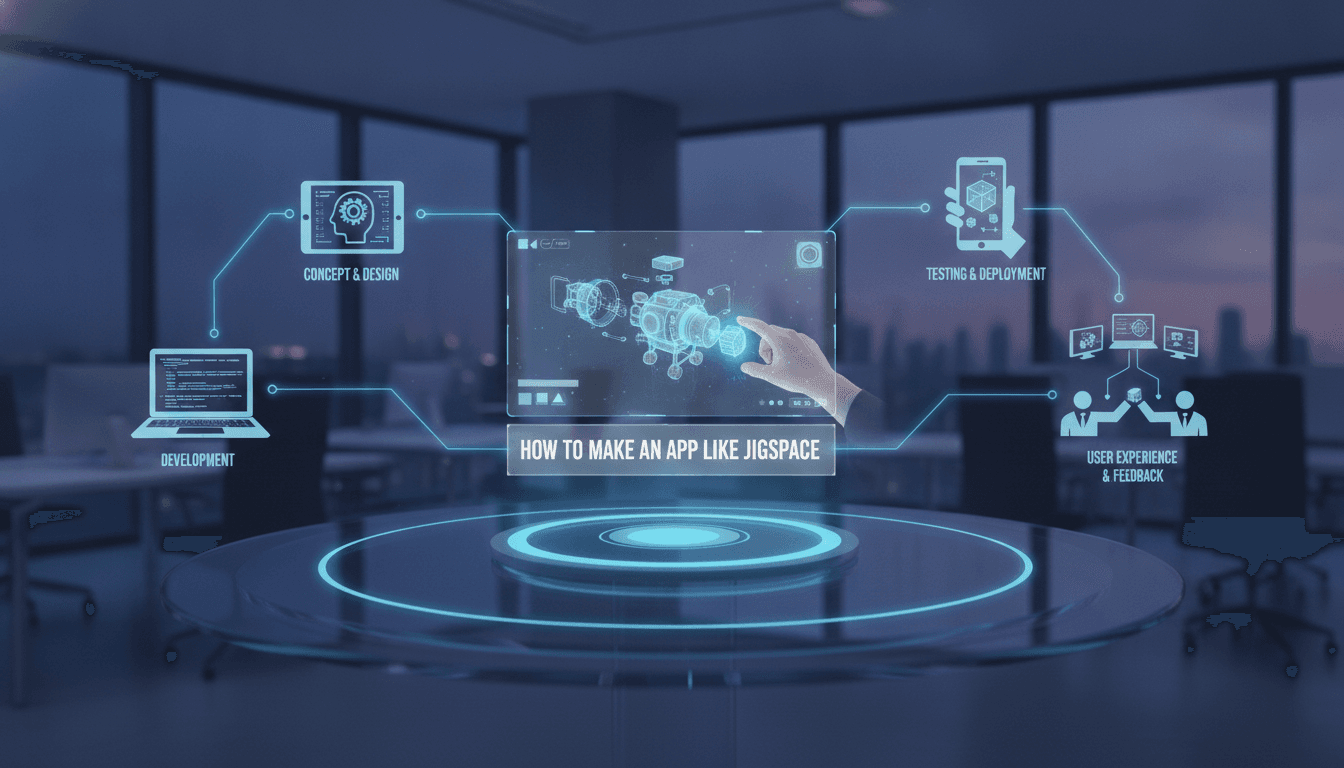
How to Make an App Like JigSpace
Augmented reality has quietly moved from novelty to necessity. What started as face filters and pocket monsters has matured into a genuine communication medium — and few apps demonstrate that better than JigSpace.
JigSpace lets anyone create and share interactive 3D presentations, called "Jigs," that can be placed in the real world through a phone, tablet, or headset. A jet engine can be exploded part-by-part on your kitchen table. A new product prototype can be walked around in a boardroom before a single unit is manufactured. It's spatial storytelling, and it's become a powerful tool for education, sales enablement, and engineering.
For a closer look at a related topic, read our guide on How to Make an App Like GIPHY World.
If you're considering building something similar, this guide walks through what's actually involved: the feature set, the technology, the team, the timeline, and the cost.
What Exactly Does JigSpace Do?
Before designing your own version, it's worth breaking down the value proposition into its component parts.
Spatial presentation authoring. Users import or select 3D models, arrange them in scenes, and add steps, annotations, and animations — without writing code.
AR playback. Presentations are anchored to real-world surfaces and viewed at true scale through the device camera.
Sharing and collaboration. Jigs can be shared via link, presented live to a remote audience, or embedded in a workflow.
Cross-device reach. The same content runs on iOS, Android, the web, and increasingly on mixed-reality headsets like Apple Vision Pro.
The genius of JigSpace isn't any single feature — it's that it removed the 3D expertise barrier. That's the real product, and it should be the north star for anything you build in this space.
Step 1: Define Your Niche Before You Define Your Features
"An app like JigSpace" is a description of a format, not a business. The format is generic; the wedge has to be specific.
To explore this further, see How to Make an App Like Amazon AR View.
Consider which vertical you're serving:
- Industrial and manufacturing — assembly instructions, maintenance procedures, equipment training
- Education — anatomy, chemistry, physics, engineering curricula
- Sales enablement — letting reps demo large or complex products anywhere
- Architecture and real estate — walkthroughs and design reviews at scale
- Healthcare — surgical planning, medical device training, patient education
- Retail and e-commerce — product visualisation and virtual try-before-you-buy
Each niche implies different requirements. An industrial maintenance app needs offline mode, rugged-device support, and integration with asset management systems. An education app needs classroom management, LMS integration, and content moderation. Pick one and build for it properly rather than building a general-purpose tool that's mediocre for everyone.
Related reading: How to Make an App Like AR Dragon.
Step 2: Map the Core Feature Set
Content Creation Tools
This is where most of your engineering effort will go, and where most competitors fall short.
- Model import pipeline supporting USDZ, glTF/GLB, FBX, OBJ, and ideally CAD formats like STEP and IGES
- Automatic optimisation — mesh decimation, texture compression, and LOD generation so that a 200MB CAD file becomes a 15MB mobile-ready asset
- Scene composition — positioning, scaling, rotating, grouping, and snapping
- Step-based sequencing so a presentation unfolds as a narrative
- Annotation layer for labels, callouts, measurements, and hotspots
- Animation tooling for exploded views, part movement, and transitions
- Media embedding for audio narration, video, and images
AR Viewing Experience
- Plane detection for floors, tables, and walls
- Persistent anchoring so content stays put as the user moves
- Occlusion so real objects correctly hide virtual ones
- True-scale and tabletop-scale viewing modes
- Gesture controls for rotate, pan, zoom, and part selection
- A non-AR fallback viewer for devices without AR support or for users in unsuitable environments
Sharing and Distribution
- Shareable web links that open in a browser without requiring an install
- QR code generation for physical contexts like trade shows and equipment labels
- Live presenter mode with multi-user sync
- Access controls, expiry dates, and view analytics
- Embeddable viewers for websites and internal portals
Account and Workspace Layer
- Team workspaces with role-based permissions
- Content libraries and asset reuse
- Version history
- Usage analytics and engagement reporting
- SSO for enterprise customers
Step 3: Choose Your Technology Stack
AR Frameworks
ARKit (iOS) remains the strongest AR foundation, with excellent plane detection, people occlusion, scene reconstruction on LiDAR devices, and RealityKit for rendering. Apple's USDZ format and Quick Look integration are significant advantages for frictionless sharing.
ARCore (Android) covers the Android ecosystem with motion tracking, environmental understanding, depth API, and Cloud Anchors for shared sessions.
Unity with AR Foundation gives you one codebase targeting both platforms plus headsets. If your app is rendering-heavy with complex animations and physics, Unity is usually the pragmatic choice. The trade-off is a heavier binary and a less native-feeling UI.
Unreal Engine is worth considering when photorealism matters — high-end architectural and automotive visualisation, for example.
WebXR and model-viewer enable browser-based AR. You lose some capability, but you gain install-free sharing, which is enormously valuable for a product built around distribution.
Rendering and 3D Processing
You'll need a server-side asset pipeline. Typical components include:
- Draco or Meshopt for geometry compression
- Basis Universal / KTX2 for texture compression
- gltf-transform or custom tooling for optimisation passes
- Blender in headless mode, or a commercial CAD conversion SDK, for format translation
- A job queue (SQS, Celery, or similar) because conversions are slow and must run asynchronously
Backend
- Node.js, Go, or Python for API services
- PostgreSQL for relational data, with object storage (S3, GCS, Azure Blob) for assets
- CDN delivery — this is non-negotiable when you're shipping tens of megabytes per view
- WebSockets or a managed real-time service for collaborative and presenter sessions
- Redis for session state and caching
Frontend and Web Viewer
React or Next.js for the dashboard and web experience, with Three.js or Babylon.js powering the browser-based 3D viewer.
Step 4: Solve the Hard Problems Early
Most teams underestimate these, and they're where projects stall.
File size versus fidelity. Users will upload CAD assemblies with millions of polygons. Mobile devices can handle a fraction of that. Your optimisation pipeline needs to be aggressive, automatic, and good enough that users don't feel the loss. Budget serious time here.
Tracking stability. Nothing destroys trust in an AR app faster than content that drifts, jitters, or snaps to a new position. Test across a wide range of lighting conditions, surface textures, and device generations — not just flagship phones in a well-lit office.
Authoring UX on small screens. Manipulating objects in 3D space via a 2D touchscreen is genuinely difficult. Consider a companion web or desktop authoring tool for serious creation work and keep the mobile app focused on capture and viewing.
Thermal and battery drain. Sustained AR use heats devices and drains batteries fast. Implement frame rate throttling, quality tiers, and graceful degradation.
First-run experience. AR requires users to move their phone around to establish tracking. Most people don't know this. A well-designed onboarding coach is the difference between activation and abandonment.
Step 5: Design for Non-Technical Creators
JigSpace's defensibility comes from accessibility. Keep these principles central:
- Templates over blank canvases. Give people a starting structure.
- Sensible defaults. Auto-centre, auto-scale, and auto-orient imported models.
- Progressive disclosure. Basic controls up front, advanced tooling behind a toggle.
- Undo everywhere. 3D manipulation invites mistakes.
- Preview constantly. Creators should see exactly what viewers will see, at any moment.
Step 6: Plan Your Monetisation
Common models in this category include:
- Freemium — free viewing and limited authoring, paid tiers for storage, team features, and branding removal
- Per-seat SaaS — standard for enterprise deployments, typically $20–100 per creator per month
- Enterprise licensing — annual contracts with SSO, on-premise or private cloud options, and support SLAs
- Content marketplace — a revenue share on premium 3D presentations
- Services attach — paid content production for customers who want the outcome without the effort
For B2B products in this space, viewing should almost always be free and frictionless. You monetise creation and administration, not consumption.
Step 7: Build in Phases
Phase 1 — Viewer MVP (2–3 months). Import a model, place it in AR, view it at scale, share a link. Nothing else. Validate that people care.
Phase 2 — Authoring (3–4 months). Step sequencing, annotations, basic animation, scene composition, and a content library.
Phase 3 — Collaboration and Scale (3–4 months). Teams, permissions, presenter mode, analytics, and enterprise integrations.
Phase 4 — Expansion (ongoing). Headset support, AI-assisted authoring, CAD connectors, and vertical-specific workflows.
What Does It Cost?
Costs vary significantly by region and team composition, but here's a realistic range for an offshore or hybrid team:
| Scope | Timeline | Indicative Cost |
|---|---|---|
| Viewer-only MVP | 2–3 months | $35,000 – $60,000 |
| MVP plus authoring | 5–7 months | $80,000 – $150,000 |
| Full platform with collaboration | 9–12 months | $180,000 – $350,000 |
| Enterprise-grade with headset support | 12–18 months | $350,000+ |
Ongoing costs to budget for include cloud infrastructure and CDN bandwidth (which scales sharply with 3D content), 3D asset creation, app store fees, and continuous maintenance as ARKit and ARCore evolve each year.
The Team You'll Need
- AR/Unity developers — the specialist core of the project
- Mobile engineers for iOS and Android native layers
- 3D graphics engineer for the optimisation pipeline
- Backend engineer for APIs, storage, and real-time services
- Frontend developer for the dashboard and web viewer
- UI/UX designer with spatial design experience — conventional app designers often struggle here
- 3D artist for templates and sample content
- QA engineer with a substantial physical device lab
Where the Category Is Heading
Three shifts are worth designing around now rather than retrofitting later.
AI-assisted 3D creation. Text-to-3D and image-to-3D generation are improving rapidly. Letting users describe or photograph an object rather than source a model removes the last major barrier to content creation.
Headset convergence. Apple Vision Pro, Meta Quest, and the devices following them make spatial content a first-class medium rather than a phone-screen curiosity. Architect your content format to be device-agnostic.
Enterprise workflow integration. The winners in this category won't be standalone apps. They'll be the ones that plug into PLM, CRM, LMS, and field service systems so that spatial content shows up where work already happens.
Final Thoughts
Building an app like JigSpace is a genuine engineering challenge, but it's an achievable one. The technology is mature, the frameworks are well documented, and the tooling improves every year.
The differentiator won't be your AR implementation — it'll be how thoroughly you understand a specific audience's workflow and how ruthlessly you remove friction from their content creation process. Start narrow, ship a viewer that genuinely impresses, and expand from proven traction.
If you're exploring an AR product of your own, the most valuable first step is usually a technical discovery phase: validating your 3D pipeline against real customer assets before committing to a full build. It's a small investment that prevents the most expensive category of mistake.
Have a project in mind? Contact Sodio Technologies to discuss your requirements and explore the right technology solution for your business.
/// Work with us
Talk to the engineers who'd build it
You'll get a technical scope, timeline and cost estimate from the people doing the work, not an account manager. In-house team, no subcontracting, since 2016.