

How to Make an App Like Sephora Virtual Artist
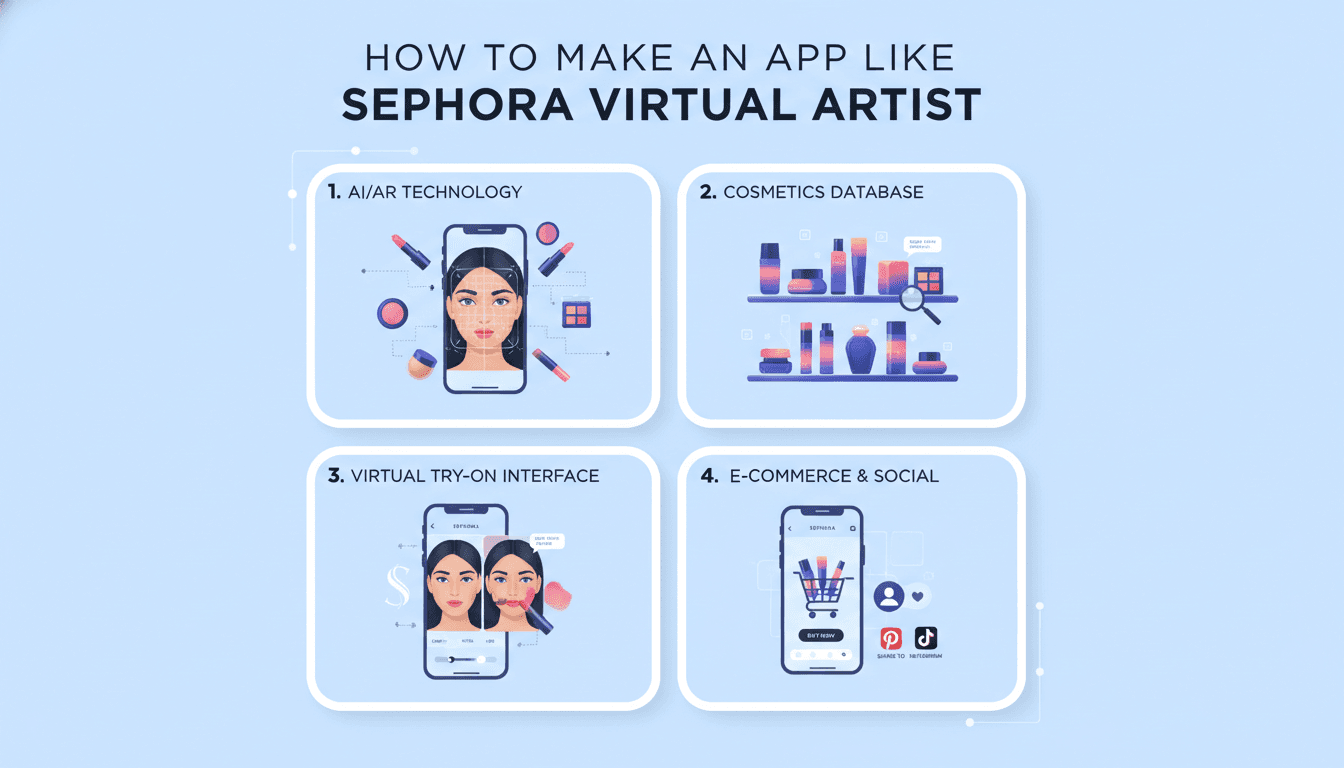
How to Make an App Like Sephora Virtual Artist
Beauty shopping changed forever the moment customers realized they could try on a bold red lipstick without ever opening a tester tube. Sephora's Virtual Artist made that possible — using augmented reality and facial recognition to let shoppers preview makeup shades in real time, straight from their phone camera.
The results speak for themselves: millions of virtual try-ons, higher conversion rates, fewer returns, and a level of engagement traditional e-commerce simply can't match. Naturally, beauty brands, retailers, and startups everywhere are asking the same question: how do we build something like that?
For a closer look at a related topic, read our guide on How to Make an App Like L'Oreal Makeup Genius.
Here's a practical, end-to-end guide.
What Sephora Virtual Artist Actually Does
Before you write a single line of code, it helps to break the product down into its real functional parts. Virtual Artist isn't one feature — it's a bundle of them.
- Live AR try-on for lipstick, eyeshadow, blush, foundation, eyeliner, brows, and lashes
- Photo-based try-on, letting users upload a selfie instead of using the live camera
- Shade matching that scans skin tone and recommends compatible foundation and concealer shades
- Look bundles — complete makeup looks applied in one tap, often tied to tutorials or influencer content
- Product discovery and checkout, connecting every virtual shade directly to a purchasable SKU
- Sharing and saving, so users can compare looks, save favorites, and post to social
The magic isn't just the AR. It's that the AR is wired directly into commerce. Every rendered pixel maps to an item in the catalog.
Step 1: Define Your Scope and Niche
Trying to clone Sephora feature-for-feature in version one is the fastest route to a bloated, delayed, underwhelming launch. Narrow your scope instead.
Ask yourself:
- Are you a brand showcasing your own catalog, or a marketplace hosting many brands?
- Which product categories matter most? Lip products are the easiest to render convincingly; foundation and skin-tone matching are the hardest.
- Is this a standalone app, a feature inside an existing shopping app, or a web-based try-on embedded in product pages?
- Do you need offline or low-bandwidth support for emerging markets?
A focused MVP — say, live lip and eye try-on for 50 SKUs with direct add-to-cart — will teach you more than a sprawling roadmap ever will.
Step 2: Choose Your AR and Computer Vision Stack
This is the single most consequential technical decision you'll make. You have three broad paths.
Option A: Build on Native AR Frameworks
ARKit (iOS) and ARCore (Android) provide face tracking, facial landmark detection, and depth data. Apple's ARKit face tracking is particularly strong on devices with TrueDepth cameras, giving you a dense mesh of the user's face.
Pros: Maximum performance, deep platform integration, no licensing fees. Cons: You build the makeup rendering layer yourself — blending modes, texture mapping, occlusion, lighting compensation. That's serious graphics engineering.
Option B: License a Beauty AR SDK
Vendors like Perfect Corp (YouCam), Banuba, ModiFace (owned by L'Oréal), and DeepAR offer purpose-built beauty try-on SDKs. They handle the hard rendering problems and often ship with shade calibration tools.
If this is relevant to your project, check out How to Make an App Like YouCam Makeup.
Pros: Fastest path to a convincing result; battle-tested realism. Cons: Licensing costs scale with usage; less control over the rendering pipeline; potential vendor lock-in.
For most teams, this is the pragmatic choice. Sephora itself partnered with ModiFace early on.
Option C: Custom ML Pipeline
Build your own facial landmark detection and segmentation models using MediaPipe Face Mesh, TensorFlow Lite, or Core ML, then render with Metal, OpenGL ES, Vulkan, or Unity.
Pros: Full control, differentiated IP, no per-use fees at scale. Cons: Expensive, slow, and requires computer vision and graphics specialists.
Step 3: Nail the Rendering Realism
Users forgive a lot, but they don't forgive makeup that looks like a sticker pasted on their face. Realism comes down to a handful of details:
Facial landmark accuracy. You need 400+ tracked points to handle lip curves, eyelid creases, and brow arches. Jitter is the enemy — smooth your landmark data across frames.
Material properties. A matte lipstick, a glossy balm, a metallic shadow, and a shimmer highlighter all reflect light differently. Model opacity, specularity, and shimmer particle density separately per product.
Lighting compensation. Estimate ambient light color and intensity from the camera feed, then adjust the rendered makeup so it matches the user's environment. Skipping this is why cheap try-ons look pasted-on.
Skin tone preservation. Foundation and concealer must blend with, not replace, underlying skin texture. Preserve pores, shadows, and highlights rather than flattening them.
Occlusion handling. When a user turns their head, touches their face, or has hair falling across their cheek, the makeup layer needs to respect those boundaries.
Step 4: Build the Shade Matching Engine
Shade matching is where AR becomes genuinely useful rather than merely fun.
The typical pipeline:
- Capture a well-lit frame of the user's face
- Detect and sample skin regions away from shadows, blemishes, and makeup
- Convert sampled pixels into a device-independent color space (CIELAB works well)
- Normalize for lighting using a reference white point or a calibration card
- Map the resulting value onto an undertone/depth grid
- Match against your catalog's shade coordinates and return ranked results
The hardest part isn't the math — it's the catalog data. Every product shade needs accurate colorimetric values, ideally measured with a spectrophotometer rather than eyeballed from marketing images. Budget real time and money for this. Bad shade data makes even a perfect algorithm useless.
Step 5: Design the User Experience
AR apps live or die on UX. A few principles that matter here specifically:
Get to the camera fast. Every extra tap before the try-on kills conversion. Permission prompts should be contextual and explain the benefit.
Make shades tappable, not buried. A horizontally scrolling shade carousel at the bottom of the screen lets users flick through dozens of options in seconds.
Support side-by-side comparison. Split-screen or before/after toggles help users commit.
Show the product, always. Name, price, and add-to-cart should live within thumb's reach of the try-on view.
Design for failure states. Poor lighting, no face detected, unsupported device — each needs a graceful, helpful message rather than a frozen screen.
Respect accessibility. Large tap targets, sufficient contrast on overlays, VoiceOver labels for shade names, and a non-AR fallback browsing experience.
Step 6: Architect the Backend
Behind the camera sits a fairly conventional commerce backend, plus a few AR-specific services.
Core services:
- Product catalog with shade-level granularity and colorimetric metadata
- User accounts, saved looks, wishlists, and try-on history
- Recommendation engine driven by try-on behavior and purchase data
- Inventory and order management, or integrations with Shopify, Salesforce Commerce Cloud, or a custom OMS
- Analytics pipeline capturing try-on events, dwell time per shade, and conversion
AR-specific services:
- Asset delivery via CDN for textures, LUTs, and model files
- Remote configuration so you can push new shades without an app store release
- Model versioning for your ML components
A microservices approach works well here, since the AR asset pipeline and the commerce stack evolve on very different cadences.
Step 7: Handle Privacy Seriously
You are processing biometric data. That carries real legal weight under GDPR, CCPA, and especially Illinois' BIPA, which has generated substantial litigation against beauty try-on features specifically.
Practical guardrails:
- Process on-device wherever possible. If face data never leaves the phone, your risk profile drops dramatically.
- Don't store raw face images unless the user explicitly saves a look, and then store it as a user asset with clear deletion controls.
- Obtain explicit, informed consent before any biometric processing, with plain-language explanations.
- Publish a retention policy and actually honor it.
- Avoid facial recognition — face tracking for AR is a different thing legally and technically, and you should be clear about which you're doing.
Loop in counsel early. Retrofitting compliance is far more painful than designing for it.
Step 8: Test Across the Diversity of Real Users
Beauty AR has a well-documented history of performing worse on darker skin tones. That's a product failure and a reputational risk.
Your test matrix should span:
- The full Fitzpatrick scale, with meaningful representation at every level
- Varied lighting: daylight, warm indoor, fluorescent, dim, backlit
- Facial hair, glasses, head coverings, and a range of ages
- Device tiers from flagship to budget Android, checking frame rate and thermal behavior
- Accessibility scenarios with assistive technologies enabled
Automated testing helps for the commerce layer, but AR quality requires human eyes and structured, repeated review.
Tech Stack Summary
| Layer | Options |
|---|---|
| Mobile (native) | Swift + ARKit, Kotlin + ARCore |
| Mobile (cross-platform) | Flutter or React Native with native AR modules |
| AR/CV | MediaPipe, Banuba, Perfect Corp, DeepAR, Unity AR Foundation |
| Rendering | Metal, OpenGL ES, Vulkan, Unity |
| ML | TensorFlow Lite, Core ML, PyTorch Mobile |
| Backend | Node.js, Python (FastAPI/Django), Go |
| Data | PostgreSQL, Redis, S3 + CloudFront |
| Analytics | Mixpanel, Amplitude, Segment, BigQuery |
Note that cross-platform frameworks can work, but heavy AR rendering usually still needs native modules bridged in. Plan for that complexity rather than assuming Flutter or React Native alone will carry the whole load.
Cost and Timeline Expectations
Rough planning ranges, assuming a competent team:
MVP (lip and eye try-on, ~50 SKUs, licensed SDK): 3–4 months, modest budget, small team of 4–6.
Full-featured app (multi-category try-on, shade matching, commerce, recommendations): 7–12 months, significantly larger investment, team of 10–15 including CV and graphics specialists.
Custom ML pipeline instead of a licensed SDK: add 4–6 months and specialist hiring costs, but eliminate per-use licensing at scale.
Ongoing costs are easy to underestimate. Catalog maintenance, shade calibration for each new product drop, SDK licensing, cloud infrastructure, and continuous model retraining all recur.
Monetization and Business Value
For a brand-owned app, the return shows up as conversion lift and fewer returns — often the single biggest ROI driver, since color cosmetics carry notoriously high return rates.
You may also find our article on How to Make an App Like Snapchat AR useful.
For a platform play, consider:
- Commission on marketplace sales
- Sponsored shade placements and featured looks
- White-label licensing of your try-on engine to other brands
- Subscription tiers for professional makeup artists
- Anonymized trend data and insights sold back to brands
Common Mistakes to Avoid
Launching with a thin catalog. Twenty shades feels like a demo. Users want to browse.
Ignoring the low end of the device market. If your AR drops to eight frames per second on a mid-range Android, you've excluded a huge share of your audience.
Treating AR as the product. AR is a discovery mechanism. Conversion happens in the commerce flow. Invest in both.
Neglecting the offline-to-online bridge. In-store kiosks, QR codes on shelf displays, and associate-assisted try-ons extend the value considerably.
Skipping analytics instrumentation. Which shades get tried most? Which get tried and abandoned? That data is a goldmine for merchandising, but only if you capture it from day one.
Final Thoughts
Building an app like Sephora Virtual Artist is genuinely hard, but it's no longer frontier technology. The AR frameworks are mature, the SDKs are capable, and the user expectation is already established.
What separates a successful build from a forgettable one comes down to three things: rendering realism that survives real-world lighting, catalog data quality that makes recommendations trustworthy, and commerce integration tight enough that trying on a shade and buying it feel like one continuous motion.
Start narrow, measure obsessively, and expand based on what your users actually try on — not what your roadmap assumed they would.
Have a project in mind? Contact Sodio Technologies to discuss your requirements and explore the right technology solution for your business.
/// Work with us
Talk to the engineers who'd build it
You'll get a technical scope, timeline and cost estimate from the people doing the work, not an account manager. In-house team, no subcontracting, since 2016.