

How to Make an App Like YouCam Makeup
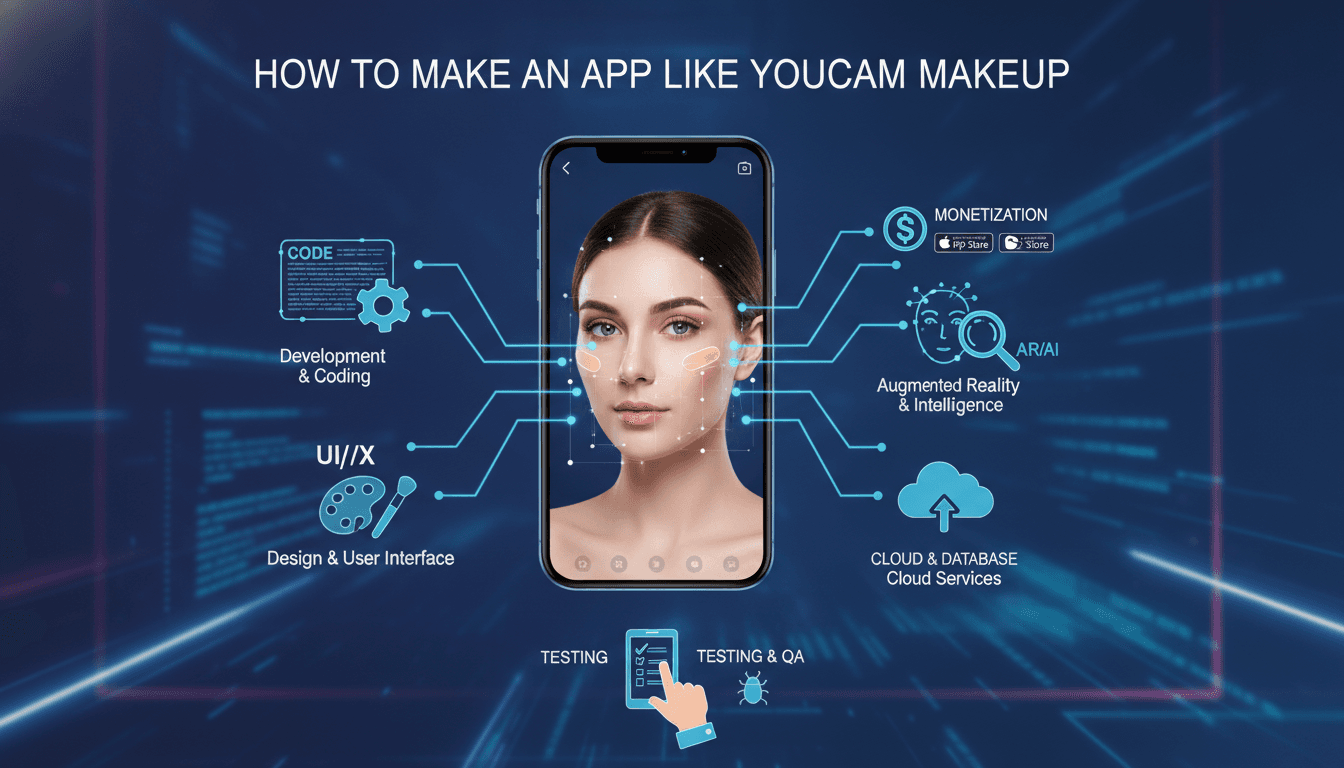
How to Make an App Like YouCam Makeup
Virtual try-on has quietly become one of the most commercially successful applications of computer vision. YouCam Makeup, built by Perfect Corp., turned the simple idea of "try lipstick without opening the tube" into a platform with hundreds of millions of downloads and a B2B arm that powers try-on for major beauty brands.
If you're planning to build something similar — whether as a standalone consumer app or a white-label engine for retailers — this guide walks through what the product actually needs to do, the technology that makes it work, and the realistic effort involved.
For a closer look at a related topic, read our guide on How to Make an App Like Sephora Virtual Artist.
What YouCam Makeup Actually Does
Before writing a line of code, it helps to separate the app into its real functional layers. YouCam Makeup looks like a single camera screen, but underneath it is doing several distinct jobs:
- Face detection and landmark tracking — locating the face and mapping dozens to hundreds of reference points (lip contours, eyelid creases, brow arcs, jawline, iris centers).
- Segmentation — separating skin, hair, lips, teeth, and eyes into pixel-level masks so effects apply only where they should.
- Rendering — compositing makeup textures, colors, and finishes onto the live camera feed at 30–60 frames per second.
- Product catalog — tying each virtual shade to a real, purchasable SKU with metadata, pricing, and retailer links.
- Social and retention layer — photo editing, before/after comparison, looks, sharing, and saved favorites.
- Analytics and commerce — tracking which shades get tried, saved, and clicked through to purchase.
The camera magic gets the attention, but the catalog and commerce layers are what make the business work.
Core Feature Set
Must-have features for v1
Live virtual try-on. Real-time makeup application through the front camera. Start with the highest-value categories: lipstick, foundation, blush, eyeshadow, eyeliner, and brows.
Photo try-on. Apply makeup to an uploaded or previously captured photo. This is technically simpler than live mode and useful as a fallback on low-end devices.
Shade and finish control. Each product needs adjustable intensity, plus finish variants — matte, satin, gloss, metallic, shimmer. Finish is what separates a convincing try-on from a cartoon filter.
Looks and presets. Curated multi-product combinations users can apply in one tap. These drive far more engagement than individual product browsing.
Skin retouching. Blemish removal, smoothing, tone evening. Users expect it, and it makes the makeup layer look more believable.
Before/after toggle. A press-and-hold comparison gesture. Simple, and it's the single most-used interaction in try-on apps.
Save, share, and export. Photo and video capture with watermarking options, plus direct sharing to social platforms.
Features that differentiate
AI skin analysis. Analyze a selfie for wrinkles, texture, dark circles, redness, pores, and oiliness, then recommend products. This is a strong hook for both engagement and upsell.
Shade matching. Detect the user's skin tone and recommend correct foundation and concealer shades. Getting this right is genuinely hard and genuinely valuable — foundation returns are a huge cost for retailers.
Hair color try-on. Requires accurate hair segmentation, which is harder than face segmentation but well-supported by modern models.
AR accessories. Earrings, glasses, and lashes using 3D placement rather than 2D overlays.
Video and live try-on. Applying effects to recorded video or a live stream, with temporal smoothing so effects don't jitter frame to frame.
Brand storefronts. Official branded catalogs with accurate shade data, "shop this look" links, and affiliate or commission tracking.
Technology Stack
Computer vision approach
You have three realistic paths:
1. Build on open frameworks. Use MediaPipe Face Mesh (468 landmarks), MediaPipe Selfie Segmentation, and custom-trained segmentation models for lips, hair, and eyes. Render with OpenGL ES, Metal, or Vulkan. This gives you full control and no per-user licensing cost, but you're responsible for rendering quality — which is where most teams underestimate the work.
2. License a commercial SDK. Banuba, DeepAR, and Perfect Corp's own YouCam SDK offer production-grade try-on with realistic rendering out of the box. Fastest path to market, weakest differentiation, and recurring per-MAU costs that scale painfully if you succeed.
3. Hybrid. License an SDK for launch, build proprietary capability in parallel for the categories where you want to compete on quality.
For most teams, option 3 is the pragmatic answer.
Rendering pipeline
Realistic makeup rendering is not a colored overlay. A production pipeline typically involves:
- Capture camera frame
- Run face detection and landmark inference
- Generate segmentation masks (lips, skin, eyes, hair)
- Warp product texture maps onto landmark-driven UV coordinates
- Blend using physically-inspired modes — multiply for stains, screen for highlight, custom shaders for metallic and gloss
- Apply specular highlights driven by estimated light direction
- Preserve skin texture underneath so foundation doesn't flatten the face
- Composite and display
Steps 6 and 7 are what users perceive as "looking real." Skipping them is the most common reason a try-on app feels cheap.
To explore this further, see How to Make an App Like L'Oreal Makeup Genius.
Mobile stack
- iOS: Swift, AVFoundation for camera, Metal for rendering, Core ML for on-device inference
- Android: Kotlin, Camera2 or CameraX, OpenGL ES or Vulkan, TensorFlow Lite or NNAPI
- Cross-platform: Flutter or React Native for the shell, with native modules for the camera and rendering path. Do not attempt real-time AR rendering in Dart or JavaScript.
- Web: TensorFlow.js or MediaPipe Web with WebGL for browser-based try-on — essential if you plan to serve retail clients
Backend stack
- API layer: Node.js, Python (FastAPI), or Go
- Database: PostgreSQL for catalog and users, Redis for caching shade data
- Storage and CDN: S3 or Cloud Storage with CloudFront or Cloudflare for texture assets
- ML infrastructure: Managed inference for heavier tasks like skin analysis that can't run on-device
- Analytics: Event pipeline into BigQuery, Snowflake, or ClickHouse
Product data architecture
This is the underrated part. Each virtual product needs:
- Brand, product line, SKU, and shade name
- Precise color values across multiple color spaces
- Finish parameters (gloss coefficient, shimmer particle density, opacity curves)
- Texture maps for non-uniform products like glitter or ombré lips
- Retail links, pricing, and availability by region
Building an ingestion pipeline and an internal tool for calibrating new shades will save you enormous pain by month six. Perfect Corp's real moat isn't its renderer — it's a catalog of tens of thousands of accurately calibrated shades.
Development Process
Phase 1: Discovery and prototyping (3–5 weeks)
Validate the hardest technical assumption first. Build a throwaway prototype that applies one lipstick shade in real time on your target low-end device. If you can't hit 30fps with acceptable quality there, your architecture needs to change before you build anything else.
Phase 2: UX design (4–6 weeks)
Try-on UX is unusually constrained. The camera view must dominate the screen, controls need to be reachable one-handed, and shade selection has to work with hundreds of options without burying the user. Design the shade picker, the looks browser, and the before/after interaction with real prototypes, not static mockups.
Phase 3: Core engine build (10–16 weeks)
Landmark tracking, segmentation, and the rendering pipeline. Build category by category — lips first, then eyes, then complexion, which is the hardest because foundation covers the largest area and errors are most visible.
Phase 4: App and backend build (8–12 weeks, overlapping)
Catalog, user accounts, favorites, sharing, editing tools, onboarding, and monetization plumbing.
Phase 5: Testing and calibration (4–8 weeks)
This phase is longer than teams expect. You need to test across skin tones, lighting conditions, face shapes, ages, facial hair, glasses, and at least a dozen device tiers. Diverse testing is not optional here — a try-on app that renders poorly on deeper skin tones is both a quality failure and a reputational one.
If this is relevant to your project, check out How to Make an App Like Facetune.
Phase 6: Launch and iteration (ongoing)
Ship with a narrower catalog rendered excellently rather than a wide catalog rendered adequately.
Monetization Models
Freemium subscription. Free basic try-on; premium unlocks advanced skin analysis, exclusive looks, watermark removal, and unlimited saves. This is YouCam's primary consumer revenue.
Brand partnerships. Brands pay for official catalog placement, branded looks, and campaign features. Higher margin than consumer subscriptions and more defensible.
Affiliate commerce. Commission on purchases driven through the app. Requires meaningful volume before it matters.
White-label licensing. Sell the try-on engine to retailers for their own apps and websites, priced per MAU or per session. This is where the beauty-tech money concentrates.
Advertising. Sponsored shades and looks. Use carefully — it degrades the experience fast.
A realistic plan combines freemium consumer revenue for scale and brand data, with B2B licensing as the actual profit engine.
Cost and Timeline
Rough ranges for a competent build, depending on region and team composition:
| Scope | Timeline | Indicative cost |
|---|---|---|
| MVP, single platform, licensed SDK, 2–3 categories | 4–6 months | $60k–$120k |
| Full consumer app, both platforms, licensed SDK | 7–10 months | $150k–$300k |
| Proprietary CV engine, both platforms, skin analysis | 12–18 months | $400k–$900k+ |
Ongoing costs that catch teams off guard: SDK licensing that scales with MAU, cloud inference for skin analysis, catalog calibration labor, and continuous model retraining as devices and camera hardware change.
Common Pitfalls
Treating it as a filter app. Snapchat-style filters need to look fun. Try-on needs to look accurate, because the user is making a purchase decision. Different quality bar entirely.
Under-testing across skin tones. Segmentation and shade-matching models trained on unrepresentative data fail visibly. Audit your training data and test set deliberately.
Ignoring low-end devices. Your target audience is not all on flagship phones. Build tiered quality modes from the start rather than retrofitting them.
Neglecting the catalog pipeline. Manually calibrating shades works for 50 products and collapses at 5,000. Build tooling early.
Poor privacy posture. You're processing biometric facial data. Keep inference on-device where possible, be explicit about what's uploaded, and comply with GDPR, CCPA, and biometric-specific laws like Illinois BIPA. Getting this wrong is an existential risk, not a compliance checkbox.
Launching too broad. Excellent lipstick try-on beats mediocre everything.
Final Thoughts
An app like YouCam Makeup is a computer vision product wearing a beauty app's clothing. The camera pipeline is the hard engineering problem, the shade catalog is the operational moat, and brand relationships are the business model.
The good news is that the underlying CV building blocks are more accessible than they've ever been. The realistic warning is that the gap between "working demo" and "a shade that looks right enough to buy" is where most of the budget goes — and where most projects underestimate themselves.
Start narrow, obsess over rendering fidelity, and build your catalog tooling before you need it.
Have a project in mind? Contact Sodio Technologies to discuss your requirements and explore the right technology solution for your business.
/// Work with us
Talk to the engineers who'd build it
You'll get a technical scope, timeline and cost estimate from the people doing the work, not an account manager. In-house team, no subcontracting, since 2016.