

How to Make an App Like Snapchat AR
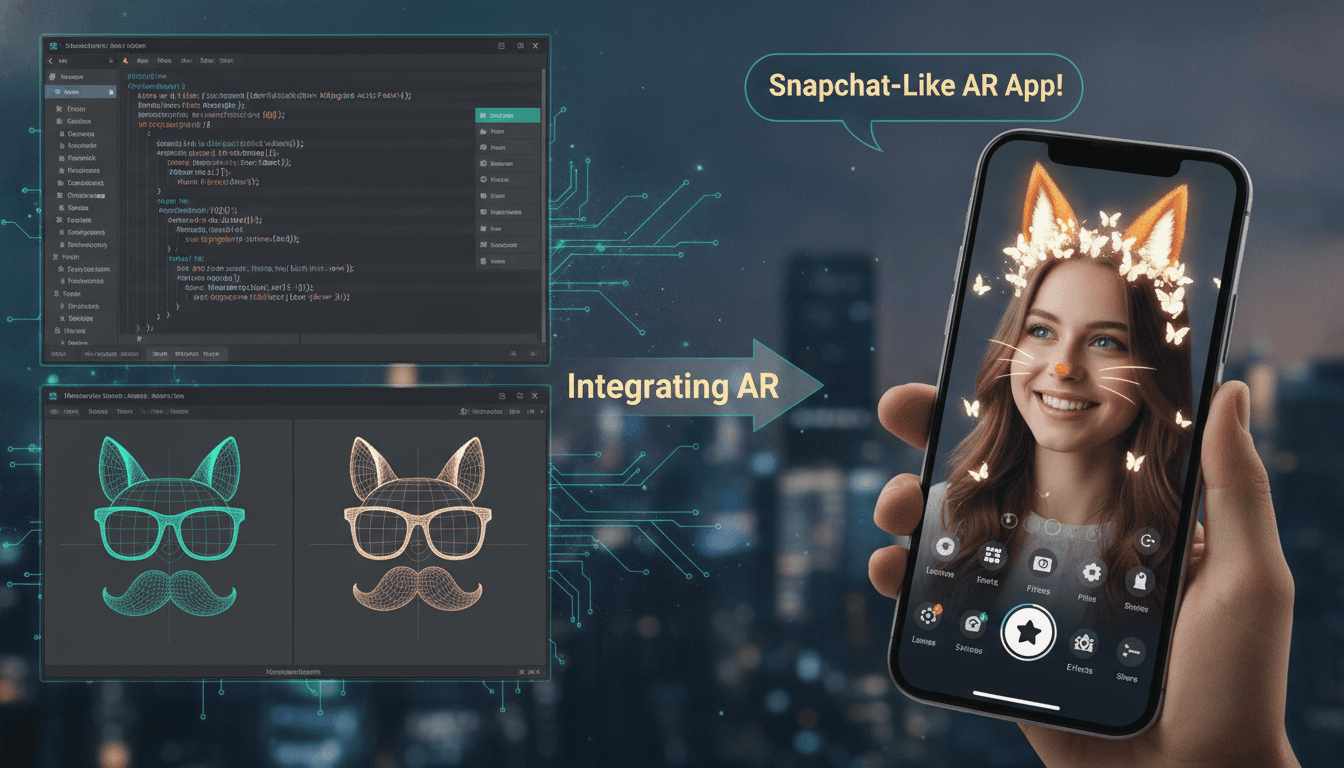
Snapchat did something clever. It took the camera — the most boring, utilitarian part of a phone — and turned it into a playground. Dog ears, face swaps, dancing hot dogs, world-scale portals: these weren't features, they were reasons to open the app twelve times a day.
If you're planning to build an app like Snapchat AR, the good news is that the underlying technology is no longer locked inside a Los Angeles research lab. The hard part isn't the AR anymore. It's everything around it.
Related reading: How to Make an App Like Wanna Kicks.
Here's how to actually build it.
What "An App Like Snapchat AR" Actually Means
Before writing a line of code, narrow the scope. "Snapchat AR" can mean at least four very different products:
- A camera-first social app — ephemeral messaging plus AR filters as the hook.
- An AR filter/effects app — the camera and the effects are the whole product, no social graph required.
- AR try-on for commerce — makeup, eyewear, sneakers, furniture. Snapchat's Lens tech applied to a checkout button.
- A creator platform — users build and publish their own lenses, à la Lens Studio.
Most teams that say "we want Snapchat AR" actually want #2 or #3 and discover the social layer is a separate, much more expensive product. Pick one. Ship it. Expand later.
The Core Feature Set
Camera and capture
The camera is your home screen. It should open in under a second, support tap-to-capture for photos and press-and-hold for video, front/rear switching without dropping the AR session, flash, zoom, and timer. Latency here is not a nice-to-have — a laggy camera kills the entire premise.
AR effects engine
This is the heart of the app:
- Face tracking — landmark detection (eyes, nose, mouth, jaw), mesh generation, expression triggers like open mouth or raised eyebrows.
- Segmentation — separating hair, skin, background, and body so effects can be applied selectively.
- World tracking — placing 3D objects on surfaces and keeping them anchored as the user moves.
- Beautification and retouch — skin smoothing, eye enlargement, reshaping. Unglamorous, but heavily used.
Effects carousel
A horizontally scrollable tray of lenses with thumbnail previews, favourites, a search or discovery surface, and unlockable/sponsored effects. Sounds trivial; it's where a surprising amount of UX polish goes.
Ephemeral messaging (if you're going social)
Disappearing media, view-once logic, screenshot detection, streaks, group chats, and a Stories-style feed. Note that "ephemeral" is a product promise, not a technical guarantee — plan your data retention and messaging around that honestly.
Creation and sharing
Stickers, text overlays, drawing tools, music, captions, cross-posting to other platforms, and saving to the device gallery.
Accounts and social graph
Sign-up, profiles, contact-based friend discovery, friend requests, blocking, and privacy controls. The last two are not optional.
Choosing Your AR Stack
You have three broad paths.
Native platform SDKs. ARKit on iOS and ARCore on Android give you world tracking, plane detection, light estimation, face tracking (front camera), and depth. They're free, fast, and deeply integrated — but you get tracking primitives, not a lens authoring pipeline. You build the effects yourself.
Third-party AR SDKs. Banuba, DeepAR, Snap's own Camera Kit, and similar vendors provide ready-made face filters, beauty tools, segmentation, and a rendering layer that works across iOS and Android. This is by far the fastest way to something that looks like Snapchat. The trade-offs are licensing costs (often per-MAU), SDK size, and dependency on someone else's roadmap.
Custom ML pipeline. Your own models, trained in PyTorch or TensorFlow, converted to Core ML and TensorFlow Lite, running through a custom rendering layer. Maximum control, maximum differentiation, maximum cost. Only justified if AR quality is your competitive moat.
For rendering, expect to work with Metal, OpenGL ES, or Vulkan under the hood — and for heavier 3D lenses, a real-time engine like Unity or a lightweight custom renderer.
You may also find our article on How to Make an App Like Sephora Virtual Artist useful.
Native, cross-platform, or hybrid?
Camera-heavy AR apps historically favoured native Swift and Kotlin, because you're touching the GPU, camera pipeline, and ML accelerators directly. That's still the safest choice for the camera surface. But a common and pragmatic architecture is a hybrid: native AR camera module, cross-platform UI and business logic in Flutter or React Native for everything else — chat, profiles, settings, feeds. You get native camera performance without maintaining two full apps.
Backend Architecture
The AR runs on the device. Everything else lives on your servers.
- Media storage and delivery — object storage (S3, GCS) plus a CDN, with transcoding for multiple resolutions and formats. Video is heavy; plan bandwidth costs early.
- Real-time messaging — WebSockets or MQTT, with a message broker like Kafka or RabbitMQ for fan-out.
- Effects delivery — lenses should be downloaded on demand, cached, and versioned. Bundling hundreds of effects into your binary is a fast way to a 400 MB app nobody installs.
- Push notifications — FCM and APNs, driven by an engagement engine.
- Microservices — auth, social graph, media, messaging, effects catalogue, analytics. Keep them separable; the media service will scale differently from everything else.
- Moderation — automated image and video classification plus a human review queue. A camera app with user-generated content and no moderation plan is a liability, not a product.
Performance: The Unforgiving Part
AR apps live or die on frame rate and battery. Some hard-won rules:
- Target a stable 30 FPS minimum on your median device, not your flagship test phone.
- Run inference on the NPU or GPU, never the CPU, and quantise models aggressively.
- Downscale the input frame for detection, then map results back to the full-resolution render.
- Keep lens asset budgets strict — polygon counts, texture sizes, compressed formats.
- Manage thermal throttling explicitly. Sustained AR heats phones; frame rate drops after two minutes are common and invisible in short tests.
- Tier your device support. High-end devices get the full effect; mid-range gets a simplified variant; unsupported devices get a graceful fallback, not a crash.
Privacy, Compliance, and Trust
Face data is biometric data. Treat it accordingly.
Process face landmarks on-device and don't upload raw biometric templates unless you have an extremely good reason and explicit consent. Understand your exposure under GDPR, CCPA, and biometric-specific laws like Illinois' BIPA — which has produced real, expensive litigation against camera apps. Write a plain-language privacy policy explaining what the camera sees and what leaves the device. Request camera, microphone, photo, and contacts permissions contextually, with an explanation, at the moment they're needed.
If your audience skews young — and for a Snapchat-like app it will — add age gating, restricted defaults for minors, and parental controls.
We cover a closely related subject in How to Make an App Like GIPHY World.
Monetisation
- Sponsored lenses — branded AR effects sold to advertisers. Snapchat's highest-margin product.
- In-app purchases — premium effect packs, filters, cosmetic unlocks.
- Subscriptions — an ad-free tier with exclusive tools and early access.
- AR commerce — virtual try-on with affiliate or transaction fees.
- Creator marketplace — take a cut when users sell the lenses they build.
Cost and Timeline, Realistically
A lean MVP — camera, a dozen face filters, accounts, basic sharing — is typically a 3 to 4 month, $40K–$80K effort with a small team. Add ephemeral messaging, stories, a social graph, and a real effects catalogue and you're looking at 6 to 9 months and $100K–$250K+. A full creator platform with its own authoring tool is a multi-year commitment.
The variables that move the number most: how many custom effects you need built (each meaningful lens is real 3D art and shader work), whether you license an AR SDK or build the ML yourself, and how much moderation and compliance infrastructure your market demands.
A Sensible Build Order
- Weeks 1–2: Define the wedge. One audience, one reason to open the app.
- Weeks 3–4: Prototype the camera with a licensed SDK. Test on cheap Android hardware immediately.
- Weeks 5–10: Build the camera surface, effects carousel, and five to ten genuinely good lenses. Quality over quantity — one great lens beats forty mediocre ones.
- Weeks 11–14: Add accounts, sharing, and the backend for effects delivery and analytics.
- Weeks 15–16: Performance pass, moderation, privacy review, store submission.
- Post-launch: Watch which lenses get used. Build more of those. Delete the rest.
The Thing Nobody Tells You
The technology is the easy part now. Face tracking that took Snapchat an acquisition and years of research is a licensing agreement away.
What you can't license is a reason for anyone to care. Snapchat won because it gave teenagers a place their parents weren't, and AR made that place delightful. The lenses were the surface; the network was the product.
So build the camera well — it has to be fast, fun, and flawless. But spend at least as much energy on the question of who this is for and why they'd choose it over the camera already on their home screen. That's the part that actually decides whether you have an app like Snapchat, or just an app with filters.
Have a project in mind? Contact Sodio Technologies to discuss your requirements and explore the right technology solution for your business.
/// Work with us
Talk to the engineers who'd build it
You'll get a technical scope, timeline and cost estimate from the people doing the work, not an account manager. In-house team, no subcontracting, since 2016.