

How to Make an App Like Todoist
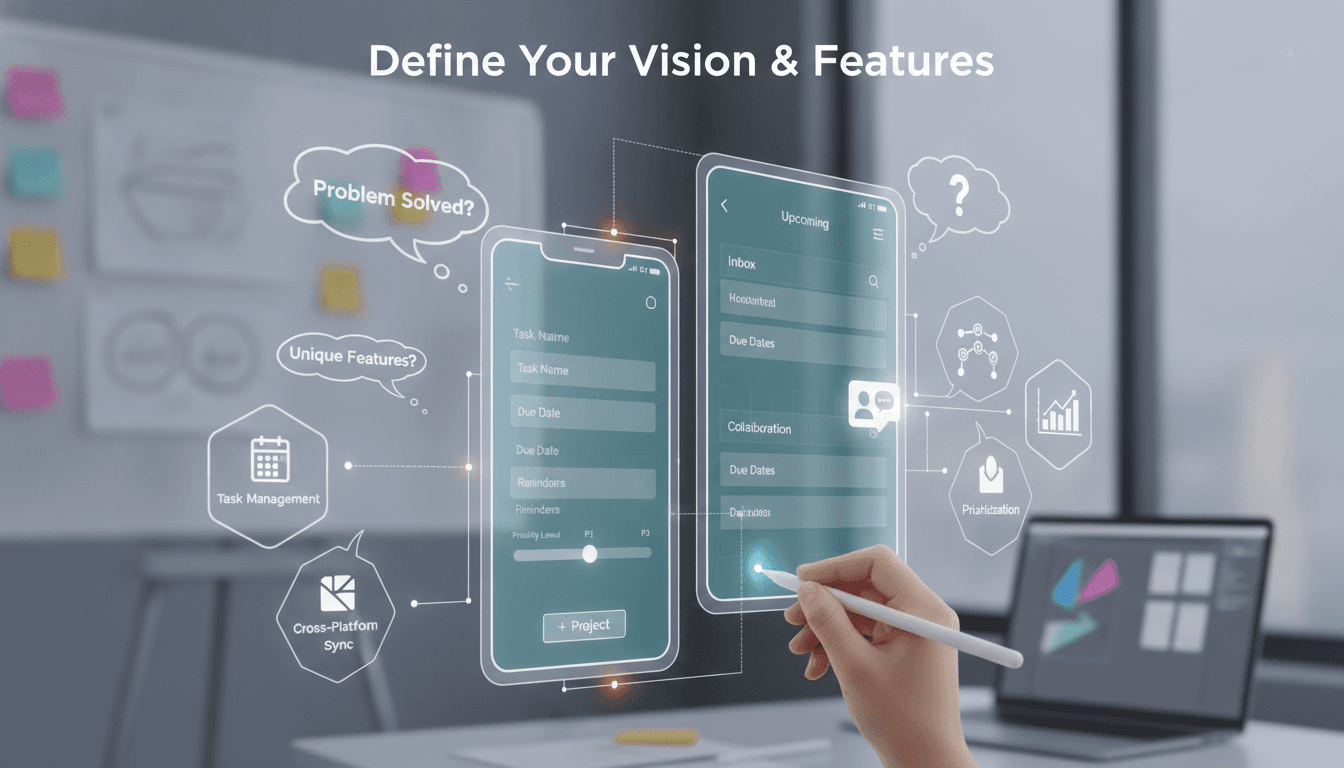
A practical breakdown of the architecture, feature set, and engineering decisions behind a production-grade task management app — written for teams who are ready to build, not just evaluate.
What Does "Like Todoist" Actually Mean Technically?
Todoist is not a simple to-do list. It handles recurring tasks with natural language parsing, offline-first sync across devices, real-time collaboration, project hierarchies, priority levels, and integrations with over 60 external services. Its iOS and Android apps have been downloaded tens of millions of times. Its web app runs in the browser with near-native performance.
When a client says "we want an app like Todoist," they usually mean a fraction of that. But the architecture decisions you make on day one will determine whether you can grow into the full feature set later. So it is worth understanding what makes Todoist technically non-trivial before you start cutting scope.
For a closer look at a related topic, read our guide on How to Make an App Like Microsoft To-Do.
The core engineering challenges are:
- Offline-first data sync with conflict resolution
- Recurring task scheduling with natural language input
- Real-time updates across sessions and devices
- Scalable project and task hierarchy storage
- Push notifications that actually arrive on time
Each one of these is a solved problem individually. The difficulty is solving them together without building a distributed systems nightmare.
What Tech Stack Should You Use?
There is no single correct answer, but there are wrong ones. Choices that look cheap upfront often become expensive at scale.
Backend
Node.js with TypeScript on Express or Fastify is a reasonable default for a new team. If you expect heavy background job processing (reminder delivery, recurring task generation), consider Go for those workers. PostgreSQL is the right database for most task management apps: you get JSONB for flexible task metadata, ltree for hierarchical project data, and reliable ACID transactions for sync operations.
Redis is non-negotiable if you want real-time features. Use it as a pub/sub layer for live updates via WebSockets, and as a job queue backend with BullMQ.
For recurring task scheduling, do not roll your own cron expression parser. Use a well-tested library like node-cron or agenda, and offload the natural language parsing to something like chrono-node, which can interpret strings like "every Tuesday at 9am" with reasonable accuracy.
If this is relevant to your project, check out How to Make an App Like FamilyWall.
Frontend and Mobile
React with Zustand or Redux Toolkit works well for the web app. For mobile, React Native is the pragmatic choice if your team is primarily JavaScript-focused and you want a single codebase. Flutter is faster and gives you better native performance, but the Dart ecosystem for third-party integrations is thinner.
If this is relevant to your project, check out How to Make an App Like Wunderlist.
Offline-first sync on mobile is the hardest part of the stack. WatermelonDB is purpose-built for React Native and handles local SQLite storage with a sync protocol you can wire to your own backend. RxDB is an alternative if you prefer a more reactive programming model.
If you go Flutter, drift (formerly Moor) is the equivalent local database layer.
| Concern | React Native choice | Flutter choice |
|---|---|---|
| Local DB | WatermeloonDB / SQLite | drift |
| State management | Zustand / Redux Toolkit | Riverpod / Bloc |
| Push notifications | Firebase Cloud Messaging | Firebase Cloud Messaging |
| Navigation | React Navigation 6 | go_router |
Sync Architecture
Todoist uses an incremental sync API. Every client keeps a sync_token. On reconnect, it sends that token and gets back only the changes since its last sync. This is significantly more efficient than full state downloads and is the right model for a task app with potentially thousands of items.
Implement this from day one. Retrofit is painful.
Conflict resolution is a genuine design decision. Last-write-wins works for most task edits. For collaborative projects with simultaneous edits, you'll need something more nuanced. Operational Transformation is complex. CRDTs (specifically Automerge or Y.js) are worth evaluating if real-time co-editing is a core requirement, though they add meaningful complexity to the data layer.
How Do You Handle Recurring Tasks Without Making a Mess?
Recurring task logic is underestimated by almost every team building this for the first time.
The naive approach: store a recurrence_rule string on the task and generate the next occurrence when the current one is completed. This works until users want to see future occurrences in a calendar view, or until you need to send reminders three days ahead of a task that hasn't been "generated" yet.
The better approach: store recurrence rules in iCalendar RFC 5545 RRULE format. Libraries like rrule.js (JavaScript) and rrulestr (Python) can parse and expand these reliably. Generate future occurrences up to 90 days ahead as a background job, storing them as concrete task instances. This makes calendar queries simple SQL range queries rather than on-the-fly rule expansion.
Natural language input ("every other Friday", "monthly on the last weekday") needs to be mapped to RRULE before storage. chrono-node handles English reasonably well. For production, you may want to pass ambiguous strings through a small language model to handle edge cases, but keep this optional.
/// Not sure where to start?
Get the architecture before you commit
Tell us what you're building and we'll map the technical approach, stack, and rough timeline. No cost, no obligation, no sales call required.
Notifications and Reminders: Where Most Apps Fail
Push notification delivery is not guaranteed. Apple's APNs and Google's FCM both have documented failure modes under certain network conditions. A production task app needs a fallback strategy.
The architecture that works:
- Store every scheduled reminder in your job queue (BullMQ with Redis persistence)
- Attempt push delivery via FCM/APNs
- If the in-app session is active when the reminder fires, deliver it via WebSocket instead
- For critical reminders, fall back to email after a configurable delay
Time zone handling is a separate failure point. Store all datetimes in UTC. Convert to local time only at the UI layer. Do not store "9am" without storing which 9am. Users who travel or change device time zones will thank you.
What Does a Realistic MVP Look Like?
A production-ready MVP for a Todoist-style app, built for a focused use case rather than a general audience, takes roughly 16 to 22 weeks with a team of two senior engineers, one mobile engineer, and one designer. That estimate assumes you are not building the natural language parser, the integration ecosystem, or the AI features from scratch in the first release.
Scope for an MVP:
- Task creation with due dates, priorities, and labels
- Project/section hierarchy (two levels is enough to start)
- Basic recurring tasks (daily, weekly, monthly without custom rules)
- Push reminders with FCM/APNs
- Offline support with incremental sync
- Web and one mobile platform (not both simultaneously if budget is tight)
The integrations (Slack, Google Calendar, Zapier) and the natural language input are phase two. Ship without them if they are not core to your differentiation.
If you are building a task management app for a specific vertical (field service, healthcare scheduling, restaurant operations), the opinionated features for that vertical matter more than feature parity with Todoist's general-purpose set.
Conclusion
Building a task management app with Todoist's level of polish is a genuine engineering project, not a template exercise. The sync architecture, recurring task model, and notification reliability are the parts that take real time to get right. Everything else is solvable with standard tooling.
Start with the sync design. Get the data model right before you write the first API endpoint. Add natural language input later, not earlier.
If you are evaluating whether to build this in-house or bring in a team that has done it before, the honest answer is: the first 30 days of architecture decisions will affect you for years. It is worth spending time on them properly, with people who have seen the failure modes.
Reach out to the team at Sodio if you want a technical review of your spec before you commit to a stack.
FAQ
How long does it take to build a task management app like Todoist? A focused MVP with offline sync, push reminders, recurring tasks, and a web plus one mobile platform takes 16 to 22 weeks with a team of three to four engineers. A full-featured product matching Todoist's current capability is a multi-year effort across a larger team.
What is the hardest part of building a productivity app technically? Offline-first sync with conflict resolution. Most teams underestimate it. Building it as an afterthought is expensive. Design the sync protocol before you write the first API route, and choose a local database library that has a sync adapter built for your target platform.
Should I use React Native or Flutter for a Todoist-style app? React Native if your team knows JavaScript and you need to ship fast. Flutter if performance and animation quality are a priority and you have Dart experience. Both can handle the offline-first, real-time sync requirements. The decision is mostly about team skill and the maturity of the third-party libraries you depend on.
How does Todoist handle natural language date input?
Todoist uses its own NLP parser trained on task-scheduling language. For a new app, chrono-node handles a wide range of English date expressions reliably. For edge cases, a lightweight LLM call can parse ambiguous input before mapping it to an RFC 5545 RRULE. Do not build a custom parser from scratch.
Can I build a white-label task management app and sell it to multiple clients? Yes, but design for multi-tenancy from the start. Separate tenant data at the schema level using PostgreSQL schemas or row-level security policies. Shared infrastructure with isolated data is achievable and cost-effective up to a few hundred tenants, after which you may need per-tenant database instances for compliance or performance reasons.
Have a project in mind? Contact Sodio Technologies to discuss your requirements and explore the right technology solution for your business.
/// Work with us
Talk to the engineers who'd build it
You'll get a technical scope, timeline and cost estimate from the people doing the work, not an account manager. In-house team, no subcontracting, since 2016.