

How to Make an App Like WeatherPro
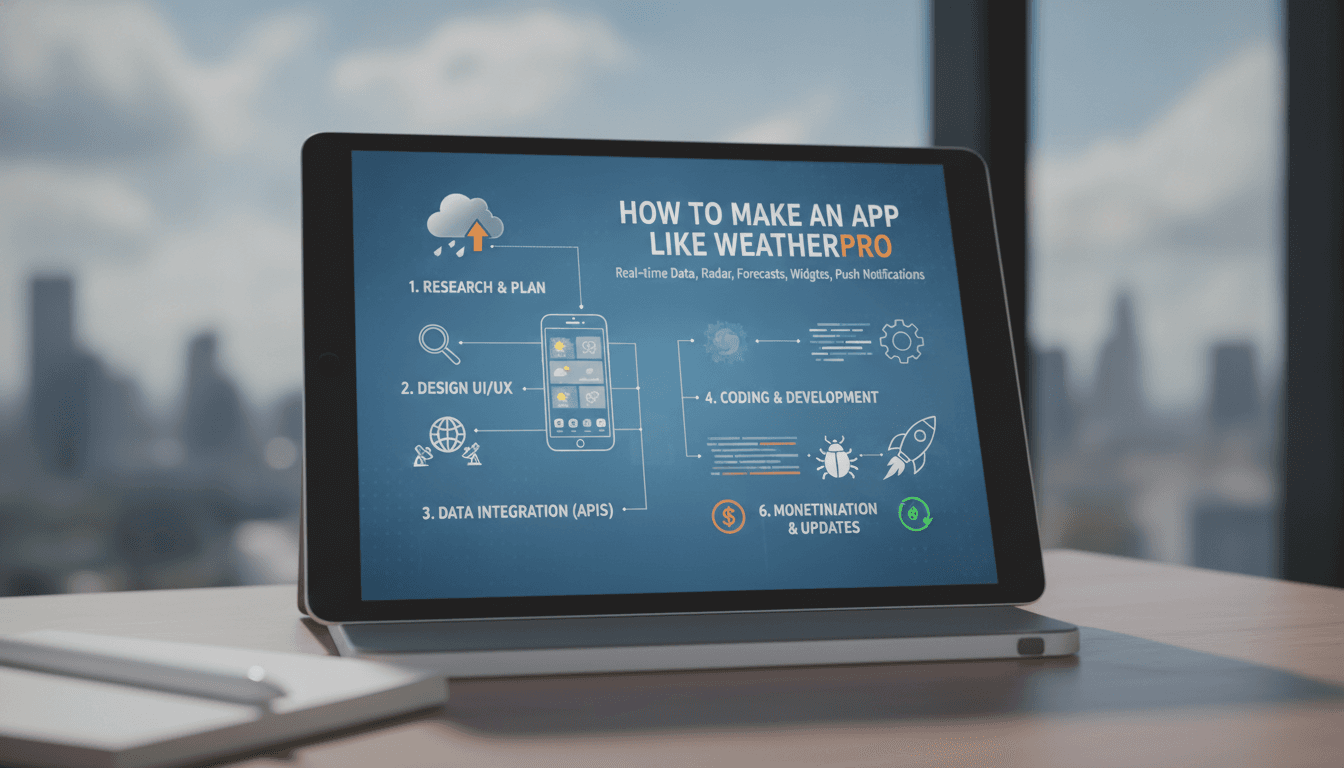
Building a weather app sounds deceptively simple. Fetch some data, display a temperature, maybe add a nice gradient sky. But WeatherPro-class applications carry a very different set of engineering concerns: hyperlocal forecasting, real-time radar overlays, personalised alerts, offline caching, and the kind of cross-platform performance that keeps a 4.7-star Play Store rating intact. This post walks through what it actually takes to build one.
What Does a Weather App Like WeatherPro Actually Do?
Before any architecture decision, it helps to map the feature set precisely. WeatherPro-style apps typically cover:
- Current conditions (temperature, humidity, UV index, wind speed and direction, visibility, pressure)
- Hourly forecasts up to 48 hours
- Daily forecasts up to 10–14 days
- Precipitation probability and accumulation
- Radar and satellite map overlays
- Severe weather alerts tied to the user's precise location
- Multiple saved locations with home-screen widgets
- Air quality index (AQI) from a separate data source
Each of these pulls from a different pipeline. The mistake most teams make is treating them all as one feed.
Which Weather Data APIs Are Worth Using?
Your product's accuracy ceiling is set by whichever provider you sign with. These are the realistic options:
| Provider | Resolution | Update Frequency | Free Tier | Notes |
|---|---|---|---|---|
| Tomorrow.io | 500 m grid | Every 15 min | 500 calls/day | Strong hyperlocal; good for alerts |
| OpenWeatherMap | ~1 km grid | Every 10 min | 1,000 calls/day | Widely adopted; easier to prototype |
| The Weather Company (TWC) | 1.25 km grid | Varies by layer | Enterprise only | IBM-owned; used in Apple Weather |
| Foreca | ~1 km grid | Every 15 min | Enterprise only | Strong European coverage |
| NOAA/NWS (US only) | ~2.5 km grid | Varies | Completely free | Only reliable inside the US |
For a global consumer product, Tomorrow.io and TWC are the honest shortlist. OpenWeatherMap is fine for an MVP or a region-specific product with modest traffic. At scale, weather API costs grow quickly: a one-million monthly active user (MAU) app polling conditions every 10 minutes will generate roughly 144 million calls per day, which eliminates every free tier.
If this is relevant to your project, check out How to Make an App Like The Weather Channel.
Radar overlays are a separate concern. Most providers expose WMS or tile-based radar endpoints. Integrating them into a Mapbox GL JS or Google Maps layer is straightforward, but caching strategy matters enormously for mobile data budgets.
How Should You Architect the Backend?
A weather app's backend is not primarily a CRUD service. It is a data ingestion, transformation, and fan-out system.
Data Ingestion
Pull from your chosen provider on a fixed schedule using a queue-backed worker (BullMQ on Node.js, Celery on Python, or a managed equivalent like AWS SQS + Lambda). Do not call the provider's API directly from your mobile client. You pay per call, rate limits bite quickly, and you lose the ability to cache intelligently.
Related reading: How to Make an App Like AccuWeather.
Store raw responses in a time-series database. TimescaleDB (PostgreSQL extension) handles weather workloads well and keeps your team in familiar SQL territory. InfluxDB is viable but adds operational overhead for teams that do not already run it.
Location and Personalisation Layer
Users save multiple locations. Each location maps to a latitude/longitude pair, which you then bucket into the provider's grid cell. Store user preferences in PostgreSQL. The personalisation engine is relatively thin: it resolves which grid cells to pre-fetch, determines which alert thresholds to apply, and routes push notifications.
For push, Firebase Cloud Messaging (FCM) covers both Android and iOS in a single integration. Severe weather alerts need to be sent as high-priority FCM messages, otherwise Android's battery optimisation will delay them.
Caching
Weather data has natural TTLs. Current conditions can be served from cache for 10 minutes. A 7-day forecast is valid for 30–60 minutes. Radar tiles rotate every 6 minutes. Model this explicitly in your Redis TTL configuration rather than applying a single global TTL.
/// Not sure where to start?
Get the architecture before you commit
Tell us what you're building and we'll map the technical approach, stack, and rough timeline. No cost, no obligation, no sales call required.
What Does the Mobile Stack Look Like?
Flutter is the pragmatic choice for a weather app at this scope. A single Dart codebase targets Android, iOS, and web. The animation requirements (weather condition transitions, radar scrubbing, animated icons) are well within what Flutter's AnimationController and Lottie package can handle without dropping frames on mid-range Android hardware.
Related reading: How to Make an App Like Weather Live.
React Native is viable but the Skia-based rendering for custom radar overlays requires more configuration work. If your team is already deep in a React Native codebase, stay there. If you are starting fresh, Flutter removes one class of cross-platform rendering headaches.
Key packages:
geolocatorfor device GPS with background location supportflutter_mapor the Mapbox Flutter plugin for radar overlayshiveordriftfor local SQLite caching (offline conditions)workmanagerfor background fetch on Androidlottiefor animated weather condition icons
Offline support is non-negotiable for a weather app. Users check weather in tunnels, in aircraft, in areas with poor signal. Cache the last-known forecast for each saved location on every successful fetch. Display a clear timestamp so users know when the data was last updated.
Widget Development
Home-screen widgets run outside the app container. On Android, they use Jetpack Glance (Kotlin). On iOS, they use WidgetKit (Swift). Flutter does not yet have a clean bridge here. If widgets are in scope, plan for native modules on both platforms. This is the part of the project that most teams underestimate; budget an extra 3–4 weeks for widget development and testing across the Android fragmentation surface.
Handling Severe Weather Alerts Responsibly
In several jurisdictions, severe weather alert delivery carries legal and ethical weight. NOAA's Wireless Emergency Alerts (WEA) system and the EU's EU-Alert standard set the baseline expectations users have for emergency notifications.
Your alert pipeline needs to:
- Subscribe to authoritative alert feeds (NWS CAP alerts in the US, Meteoalarm for Europe)
- Geocode alert polygons against user locations using PostGIS
- Deliver via high-priority FCM with a dedicated notification channel on Android (so the user cannot accidentally silence severe alerts in Do Not Disturb)
- Display the original authoritative text verbatim, not a paraphrased version
Do not invent alert thresholds or generate your own. Route users to the authoritative source. The liability exposure from a missed or incorrect severe weather alert is real.
Conclusion
A production-grade weather app is a data engineering problem as much as a mobile one. The mobile UI is visible; the ingestion pipeline, caching layer, and alert fan-out are what determine whether it actually works at scale. Start with a single provider, one region, and a minimal feature set. Instrument everything from day one so you understand your API call volume and cache hit rate before you start optimising. Get the data pipeline right, then build the UI on top of it.
If you are scoping this out and want a technical review of your current architecture or a second opinion on provider selection, reach out to the engineering team at Sodio.
FAQ
How long does it take to build a weather app like WeatherPro? A functional MVP with current conditions, a 7-day forecast, and basic location support takes 10–14 weeks for a two-engineer team. Adding radar overlays, home-screen widgets, and severe weather alerts pushes the timeline to 24–30 weeks. Widget development on both platforms is consistently the longest-tail item.
How much does a weather data API cost at scale? Costs vary widely by provider and call volume. Tomorrow.io's commercial plans start around $200/month and scale with call volume. At one million MAUs with 10-minute polling intervals, expect to spend $2,000–$8,000 per month on data alone, depending on the provider and the layers you consume.
Can you build a weather app with only free APIs? For a personal project or a hyperlocal US product, yes. OpenWeatherMap's free tier and NOAA's open data are legitimate options. For a global consumer product at any meaningful scale, free tiers run out quickly and provider reliability matters too much to depend on a free plan's SLA.
What is the hardest technical part of a weather app to build? Reliably delivering severe weather push notifications across Android's fragmentation surface. Battery optimisation, manufacturer-specific background process killing (particularly on MIUI, One UI, and OxygenOS), and FCM delivery guarantees all interact in ways that require device-specific testing and sometimes explicit user guidance to whitelist the app.
Should the weather app call the data API directly from the client? No. All provider calls should go through your own backend. Direct client calls expose your API key, make caching impossible, and mean you cannot enforce rate limits or switch providers without a forced app update. A thin BFF (backend-for-frontend) layer pays for itself within the first month of meaningful traffic.
Have a project in mind? Contact Sodio Technologies to discuss your requirements and explore the right technology solution for your business.
/// Work with us
Talk to the engineers who'd build it
You'll get a technical scope, timeline and cost estimate from the people doing the work, not an account manager. In-house team, no subcontracting, since 2016.