

Project Management Software: Streamlining Construction Projects
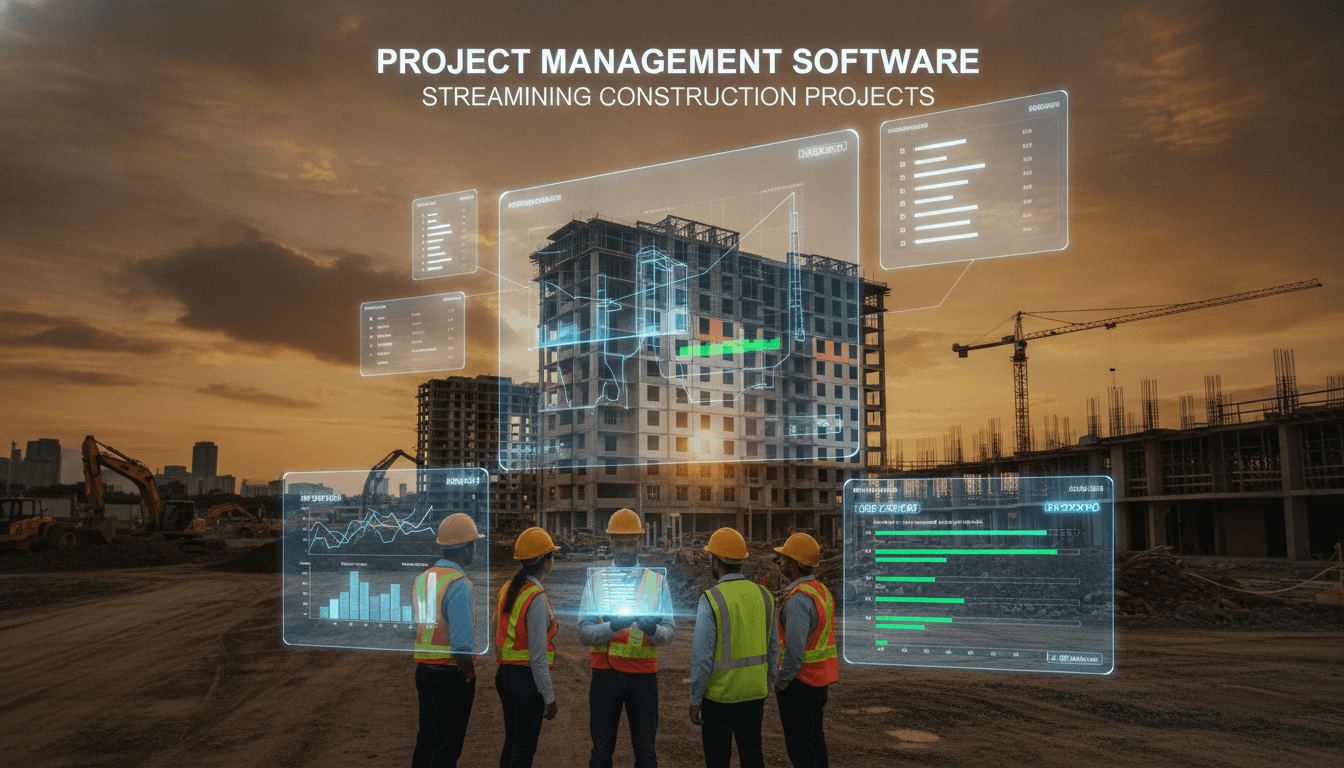
Construction projects fail on coordination, not capability. The technology to fix that has existed for years — the gap is in how it gets implemented.
Project management software for construction is a specific discipline. General-purpose tools like Jira or Asana fall short because they don't model the physical world: sequential dependencies tied to site conditions, resource constraints that shift daily, compliance documentation that has legal weight, and multi-party coordination across owners, contractors, subcontractors, and inspectors. If you're evaluating platforms or considering building custom tooling, here's what actually matters.
Related reading: Construction Management Systems: Improving Project Efficiency.
What Does Construction PM Software Actually Need to Do?
The functional requirements are broader than most teams initially scope.
At the core, you need scheduling that goes beyond Gantt charts. Critical Path Method (CPM) scheduling, as specified in AACE International's Recommended Practice 49R-06, is the baseline for any serious construction project. Tools like Primavera P6 and Microsoft Project implement CPM natively. Procore and Autodesk Construction Cloud wrap CPM scheduling with field-level integrations that generic tools don't have.
Beyond scheduling, you need:
- RFI (Request for Information) tracking with timestamped audit trails
- Submittals management tied to procurement workflows
- Daily field reports that feed into progress tracking
- Budget vs. actual cost tracking at the cost code level
- Document version control for drawings, specs, and contracts
- Punch list and deficiency tracking with photo evidence
These aren't nice-to-haves. On a project with 50+ subcontractors, an untracked RFI can delay a critical path activity by weeks.
Off-the-Shelf vs. Custom: Where Does the Line Actually Fall?
Most construction firms should start with commercial platforms. Procore, Autodesk Construction Cloud (formerly BIM 360), Oracle Aconex, and e-Builder are mature products with years of industry-specific development behind them. Procore alone processes over $1 trillion in construction volume annually across its platform.
To explore this further, see Building Information Modeling (BIM): Enhancing Construction Planning.
The case for custom software is narrower than it's often pitched:
| Scenario | Best Fit |
|---|---|
| Standard GC or CM workflows | Commercial platform |
| Unique project delivery model (e.g., public-private partnership with bespoke reporting) | Custom or heavily integrated |
| Portfolio of >100 projects with proprietary cost codes | Commercial + custom integrations |
| Niche sector (e.g., modular construction, infrastructure with regulatory specifics) | Evaluate gap analysis first |
| Need to embed PM data into a wider enterprise ERP | Custom middleware or iPaaS |
Custom development makes sense when you have workflows that commercial tools can't accommodate without significant workarounds, or when the integration surface area with your existing systems (ERP, HRMS, BIM authoring tools) is complex enough that the connectors available in the market won't hold up at scale.
/// Not sure where to start?
Get the architecture before you commit
Tell us what you're building and we'll map the technical approach, stack, and rough timeline. No cost, no obligation, no sales call required.
How Does BIM Integration Change the Software Stack?
Building Information Modelling changes what project management software needs to do at a fundamental level. When your project is built around an IFC (Industry Foundation Classes) model, the PM layer needs to link tasks, RFIs, and cost items directly to model elements.
Autodesk Construction Cloud does this natively through its BIM 360 lineage. Procore has BIM integrations but they're less tightly coupled. If you're running a project where the BIM model is the single source of truth for design intent, your PM tool choice should follow your BIM authoring environment, whether that's Revit, ArchiCAD, or Bentley.
4D and 5D Modelling
4D scheduling links model elements to CPM activities so you can visualise construction sequence over time. 5D adds cost to that link. Both are operationally useful for clash detection in scheduling, not just geometry. A wall that can't be built until MEP rough-in is complete needs to reflect that dependency in both the model and the schedule.
Software that handles this well: Synchro (now part of Bentley), Navisworks (Autodesk), and ALICE Technologies for generative scheduling. These are specialist tools, not features you'll find in general PM software.
Field-to-Model Feedback Loops
The harder problem is keeping the model current with what's actually built. Laser scanning with tools like Leica BLK360 or Matterport produces point clouds that can be compared against the design model. The gap analysis tells you where construction has deviated from design. Integrating this into your PM workflow requires custom development in most cases — even mature platforms don't close this loop automatically.
What Are the Real Integration Challenges?
The integrations that cause the most pain are the ones between the project management layer and the financial layer.
Construction ERP systems like Viewpoint Vista, Sage 300 CRE, or CMiC hold the payroll, subcontract commitments, and financial reporting. PM platforms hold the field data, schedules, and compliance records. These two worlds need to talk constantly, and the data models are genuinely different.
Cost codes in an ERP don't always map cleanly to WBS (Work Breakdown Structure) elements in a PM tool. Change orders approved in the field need to flow back to committed costs in the ERP within the same accounting period. This is where a lot of construction technology implementations break down.
If you're building integrations here, REST APIs are available in most modern platforms, but the logic in the middleware layer is where the complexity lives. Data transformation, conflict resolution when both systems update the same record, and error handling when the ERP rejects a transaction all require careful design. Off-the-shelf iPaaS tools like Boomi or MuleSoft can carry the transport layer, but the business logic usually needs to be custom.
What Does a Realistic Implementation Look Like?
Scope creep in construction software implementations is almost universal. A few patterns that reduce it:
Start with a pilot project, not a portfolio rollout. Pick a mid-size project where failure has limited consequences. Define success metrics before go-live: RFI response time, budget variance at completion, daily report submission rate. These give you something to measure against.
Plan for data migration seriously. Historical project data in spreadsheets or legacy systems is rarely clean. Dedicate engineering time to mapping, transformation, and validation. If your historical data is unreliable, it may be better to start fresh and archive the old data rather than importing noise.
You may also find our article on EDI Mapping Layers for Partners Who Disagree useful.
Training is not a one-time event. Construction workforces have high turnover, and field staff often have low tolerance for complex software. Tools that work on a tablet with intermittent connectivity, with a UI that requires minimal onboarding, will get used. Tools that don't will get bypassed.
Conclusion
The right project management software for a construction business depends almost entirely on your integration requirements, your project delivery model, and how your field teams actually work. Commercial platforms cover 80% of use cases well. The remaining 20%, typically the ERP integration layer, the BIM feedback loop, and any regulatory reporting specific to your sector, often requires custom work.
Start by mapping your actual workflows before evaluating any platform. If you're at the point where commercial tools have been evaluated and found wanting, that's when a conversation about custom development is worth having.
FAQ
What's the difference between Procore and Autodesk Construction Cloud for large projects? Procore has a stronger ecosystem for US-based GC workflows and a flat pricing model that covers unlimited users. Autodesk Construction Cloud integrates more tightly with BIM authoring tools, particularly Revit. For BIM-heavy projects, Autodesk's tighter model integration is a meaningful advantage. For field operations-heavy projects, Procore typically wins on usability.
Can construction PM software work without BIM? Yes. Many projects, particularly civil and infrastructure work, are managed entirely through 2D drawings and PDFs. Tools like Procore, Aconex, and even simpler platforms like Buildertrend work effectively in 2D environments. BIM integration adds value when the design model is actively maintained through construction, which isn't always the case.
How do you handle projects with poor site connectivity? Most major platforms now offer offline modes that sync when connectivity is restored. Procore's mobile app supports offline daily logs and inspections. Autodesk's Field Management module does the same. For very remote sites, satellite connectivity through Starlink has changed what's feasible, bringing latency down to under 50ms in most locations.
When does it make sense to build custom construction PM software? When your workflows are genuinely unusual, your integration surface area with existing enterprise systems is complex, and you have the internal capability to maintain what you build. If those three conditions aren't all true, start with a commercial platform and extend it through its API before committing to a ground-up build.
What's a realistic timeline for implementing a construction PM platform? For a single project rollout on a commercial platform, six to twelve weeks for configuration, integration, and training is realistic. A portfolio-wide rollout across multiple project types and ERP integration typically takes nine to eighteen months, depending on data complexity and organisational change management capacity.
Have a project in mind? Contact Sodio Technologies to discuss your requirements and explore the right technology solution for your business.
/// Work with us
Talk to the engineers who'd build it
You'll get a technical scope, timeline and cost estimate from the people doing the work, not an account manager. In-house team, no subcontracting, since 2016.